// MEDIA
GALLERY
Straight captures from the client at 1440p. No renders, no mockups — this is what the game looks like in play.
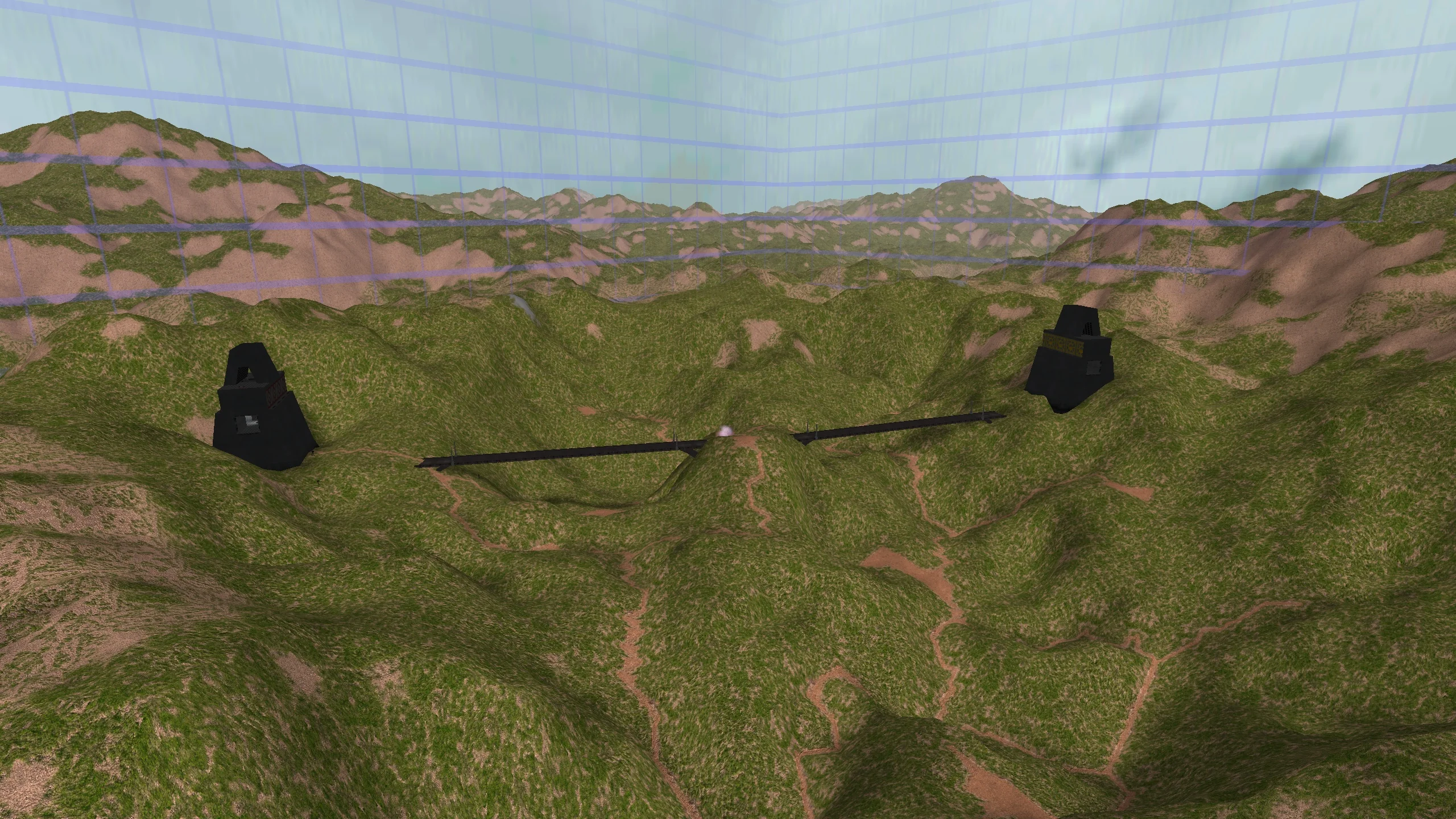
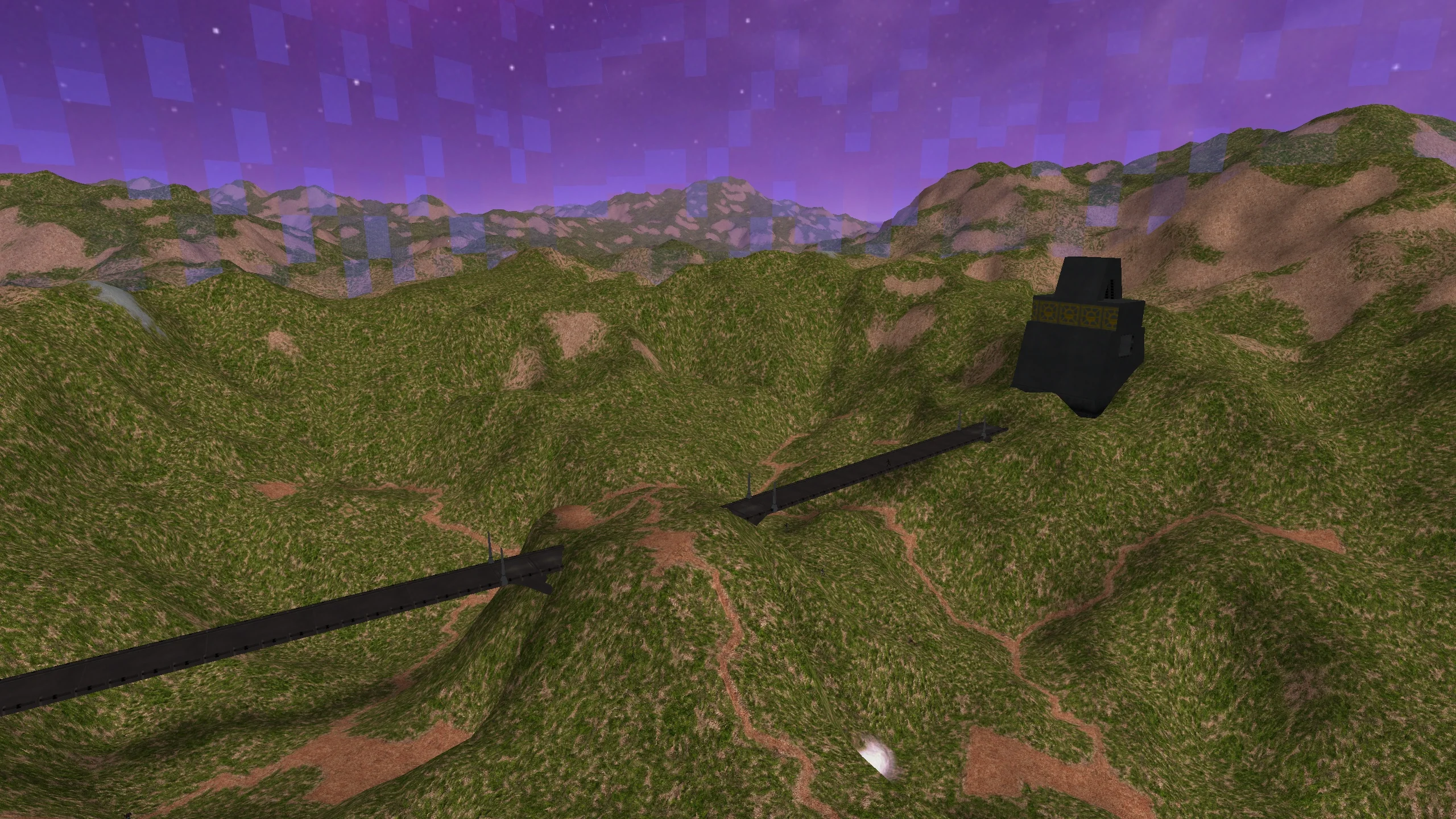
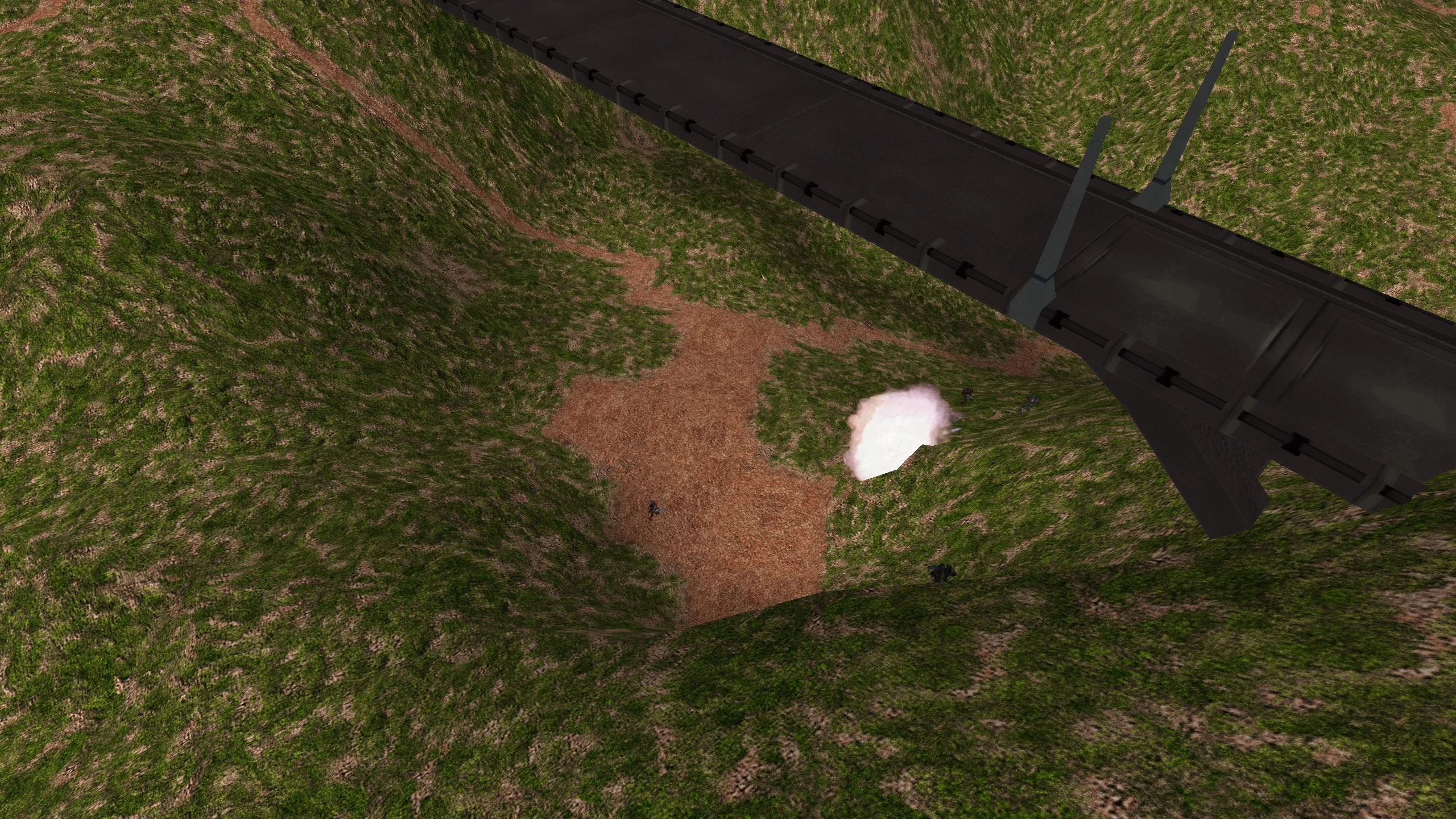
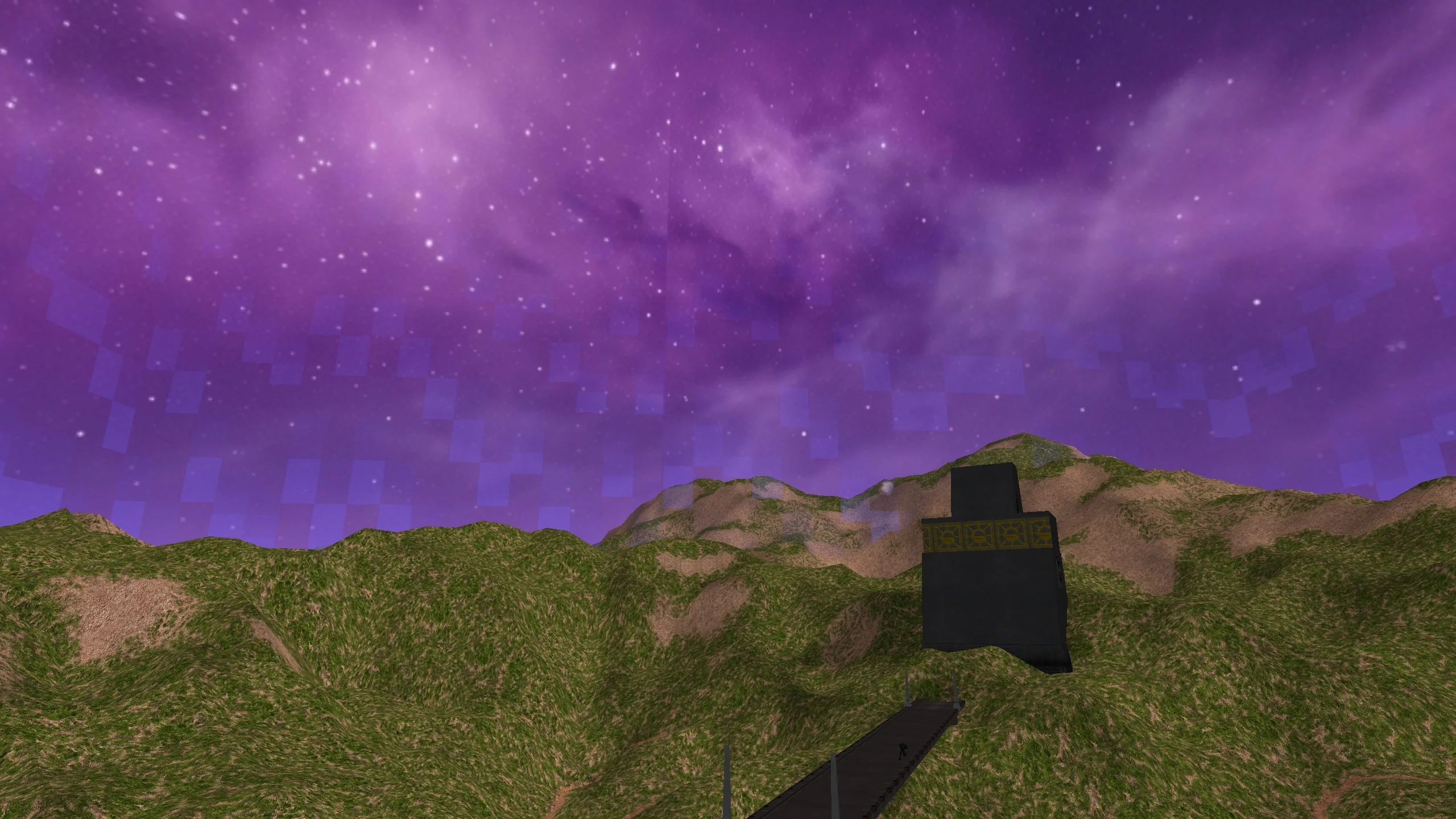
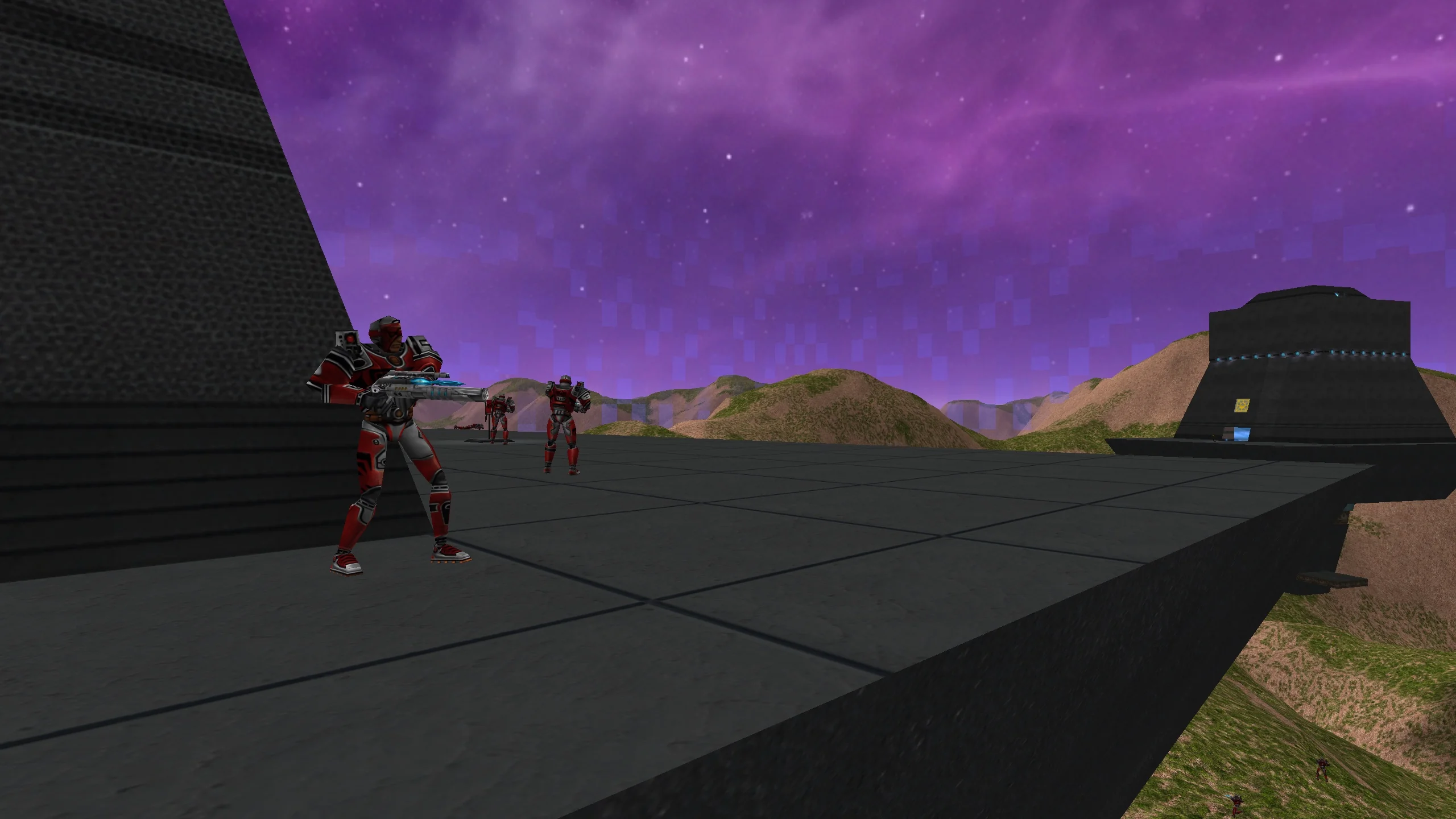
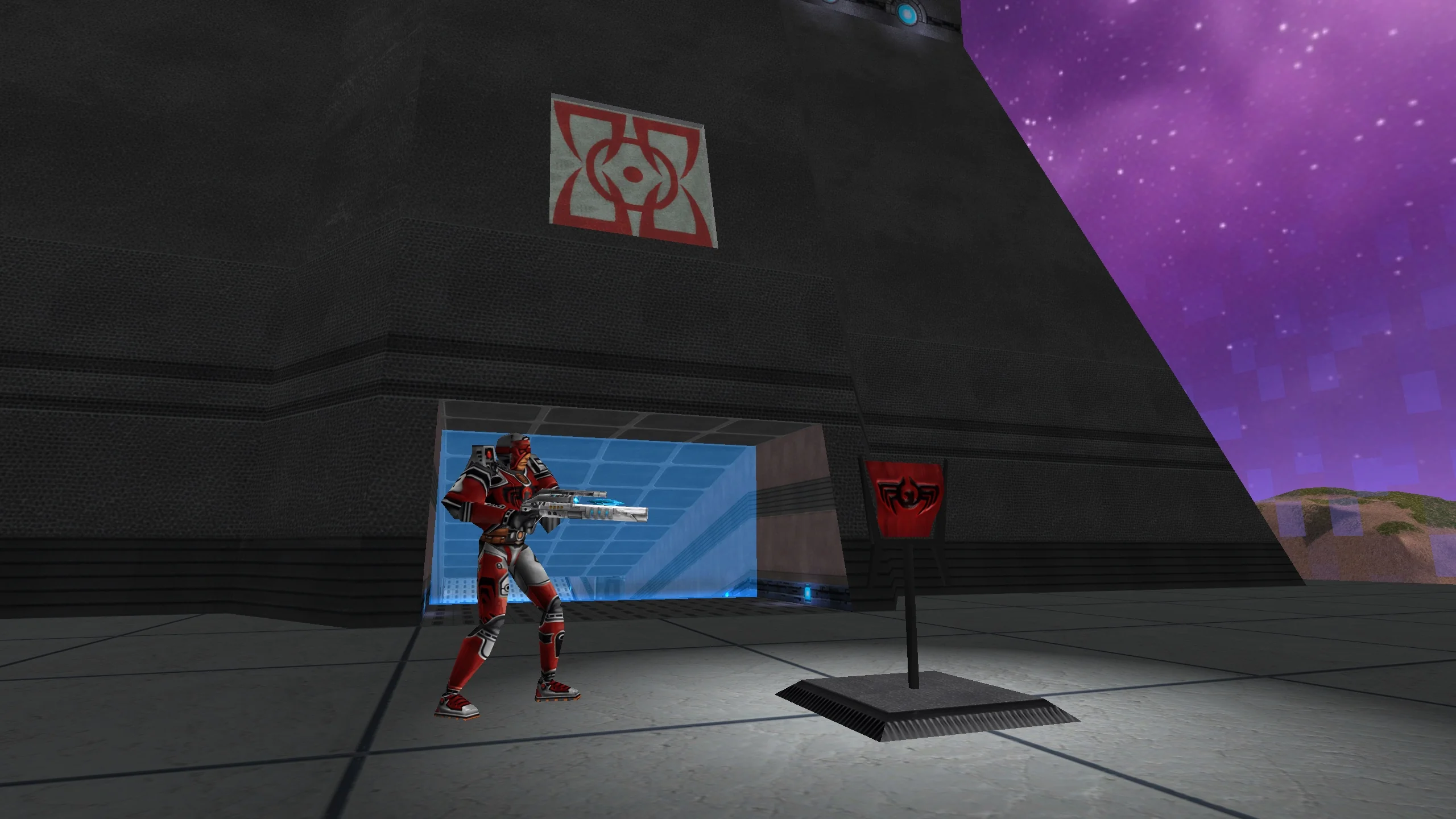
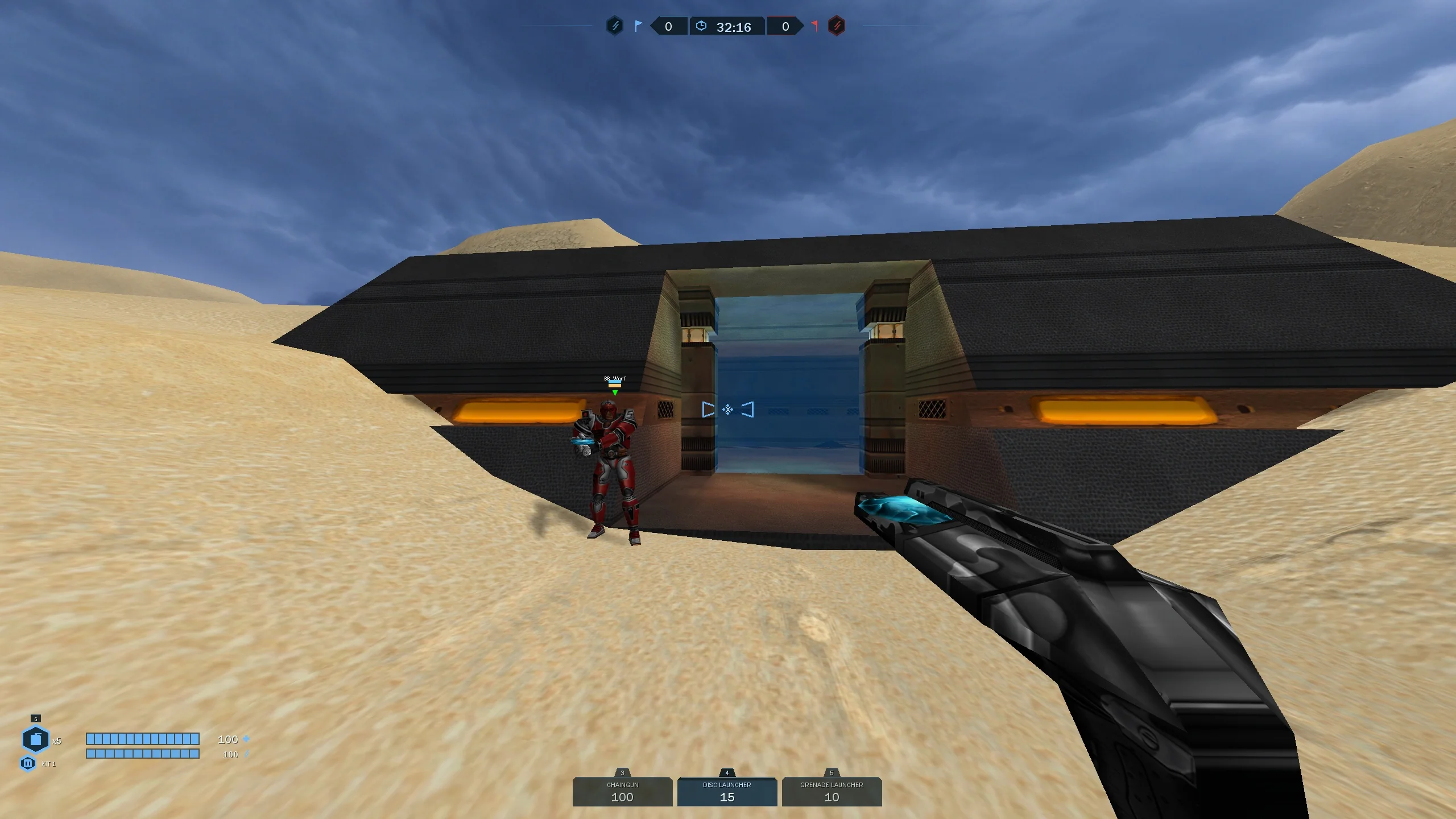
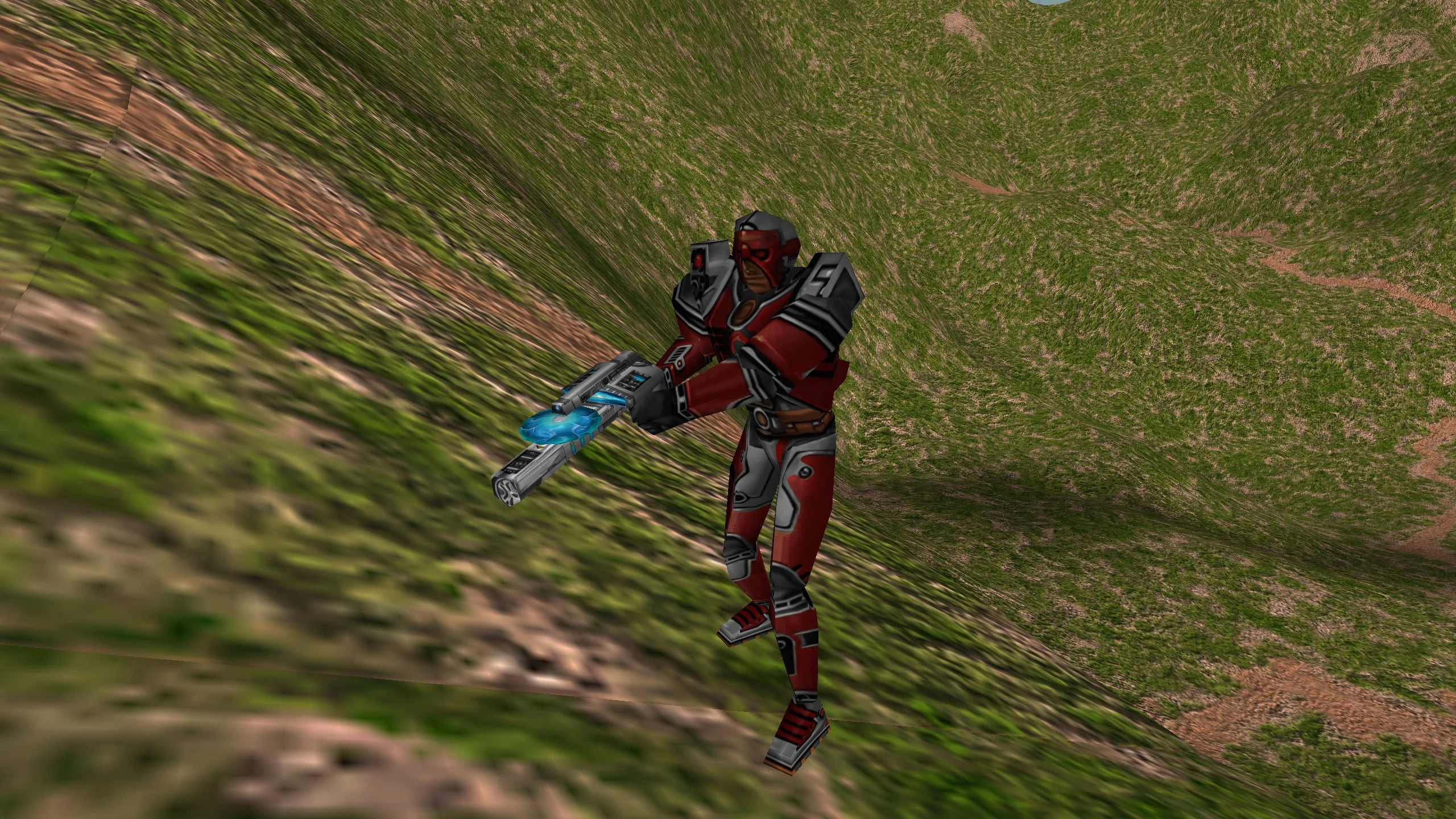
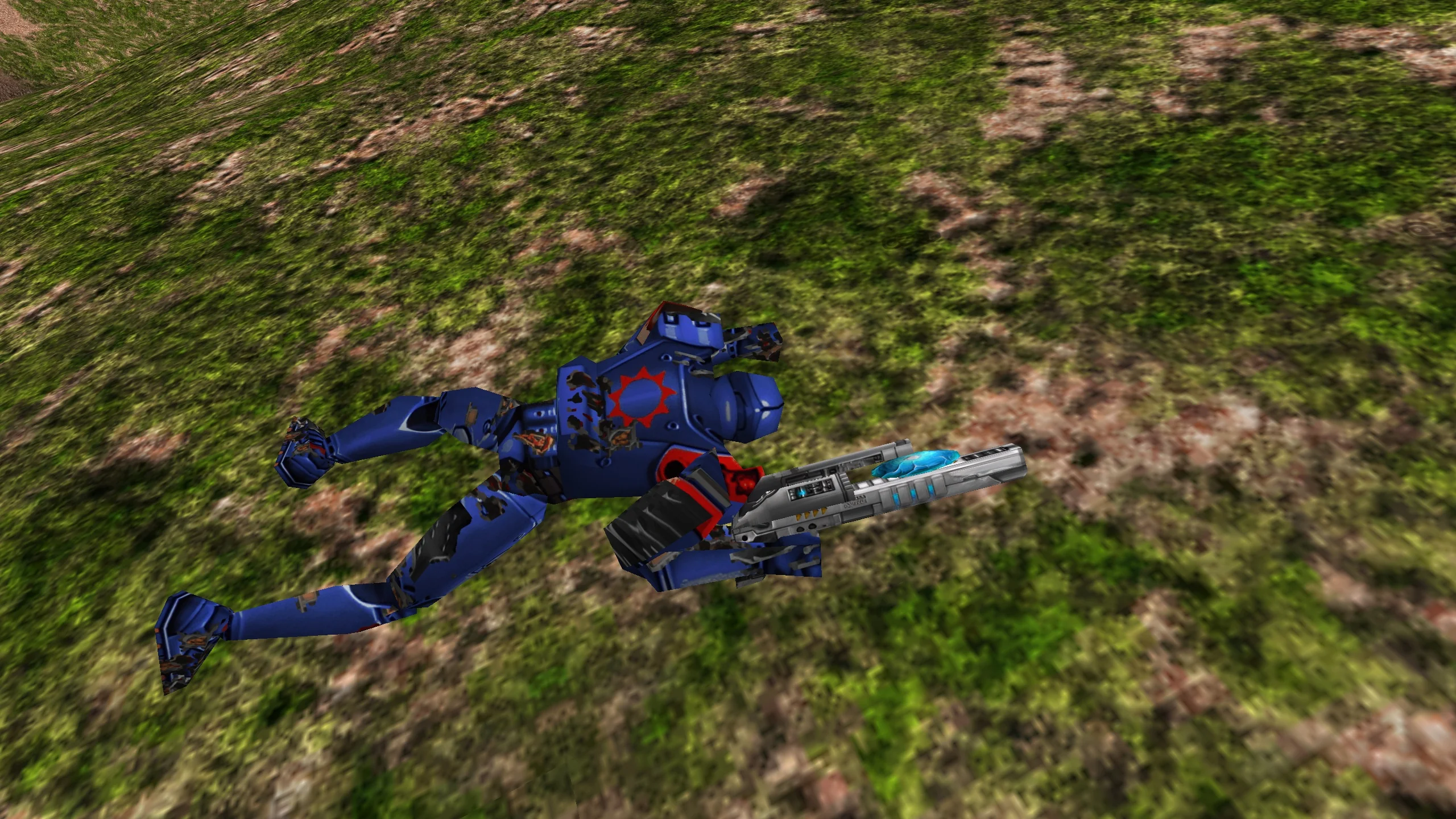
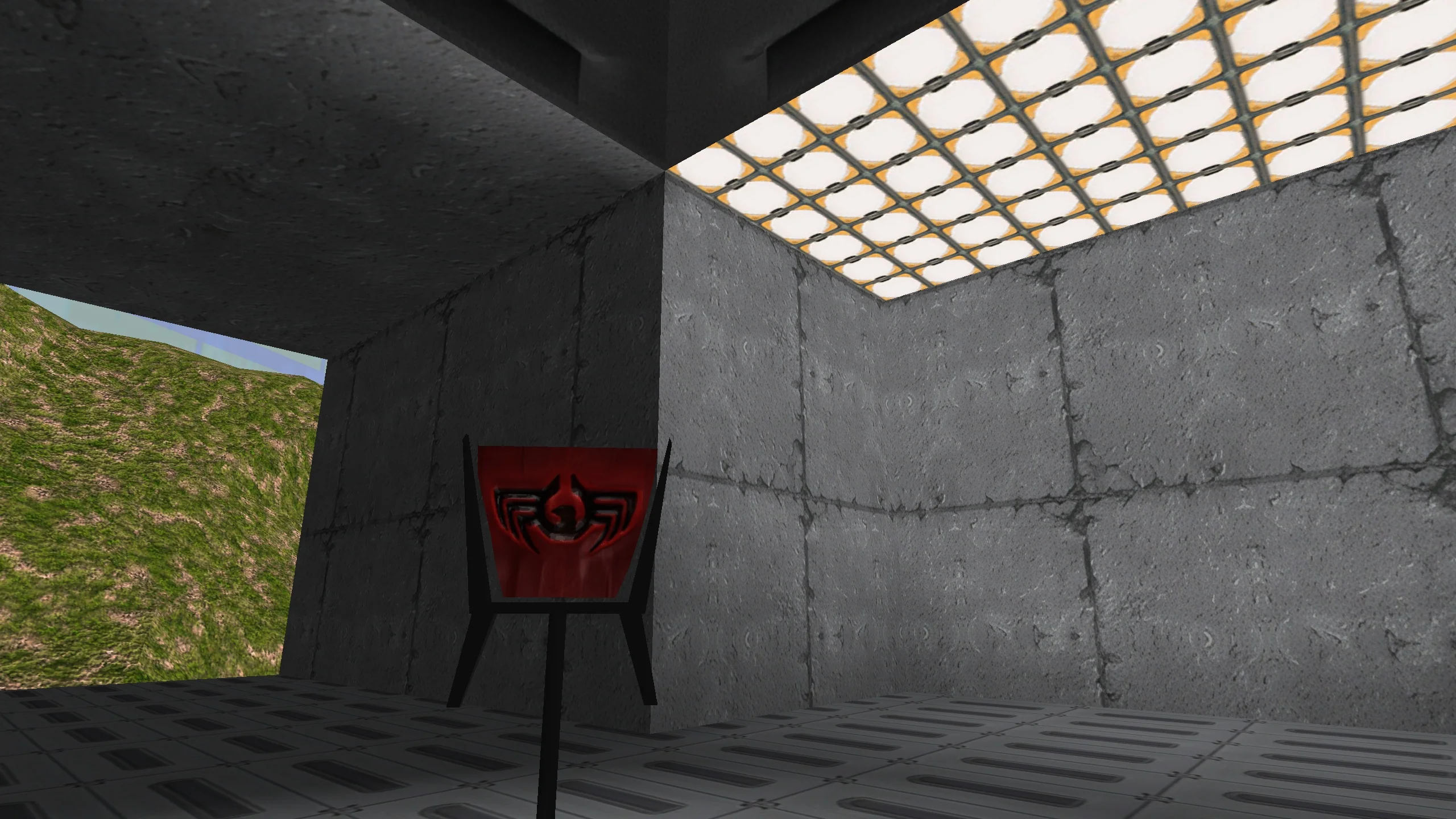
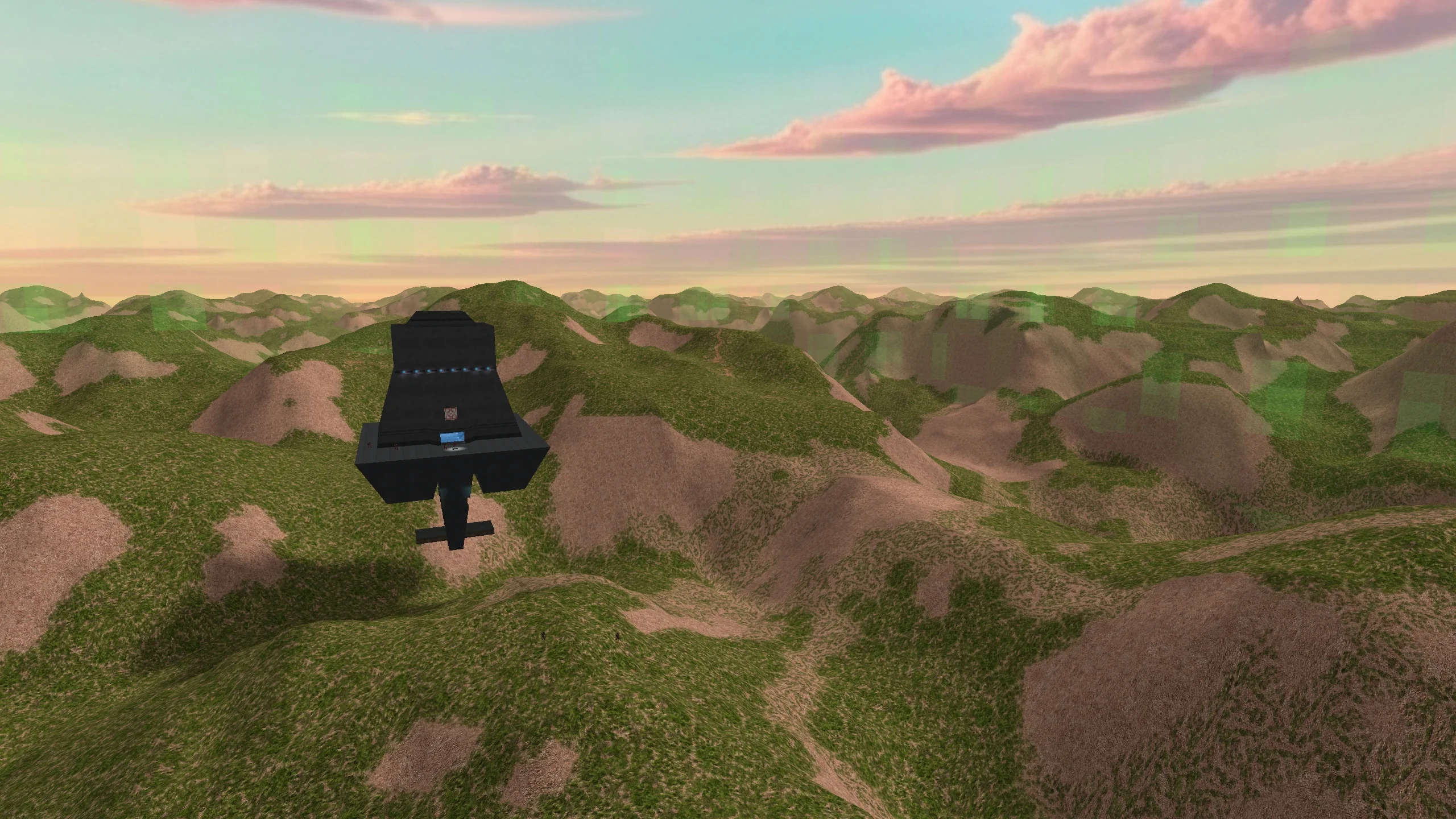
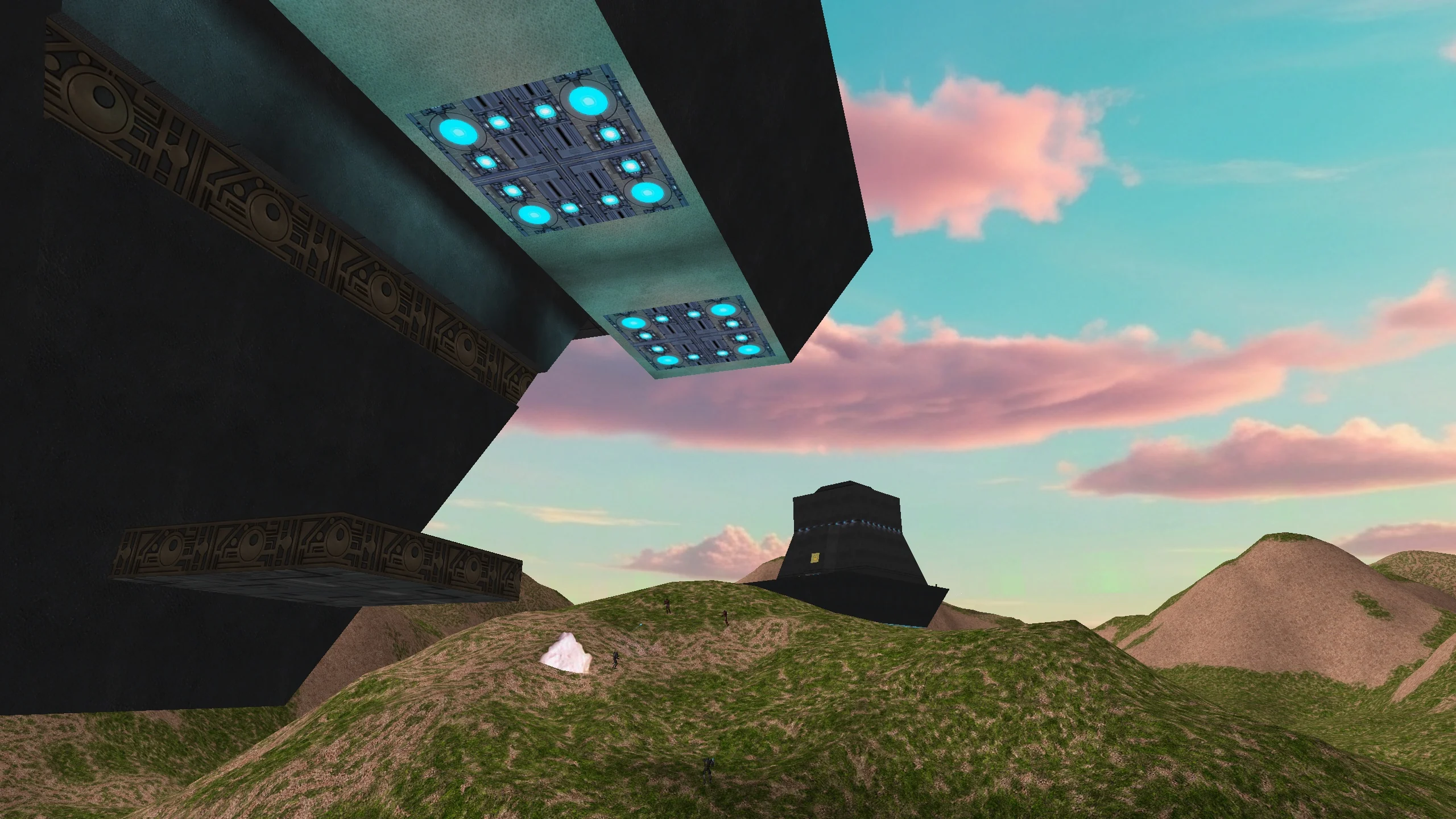
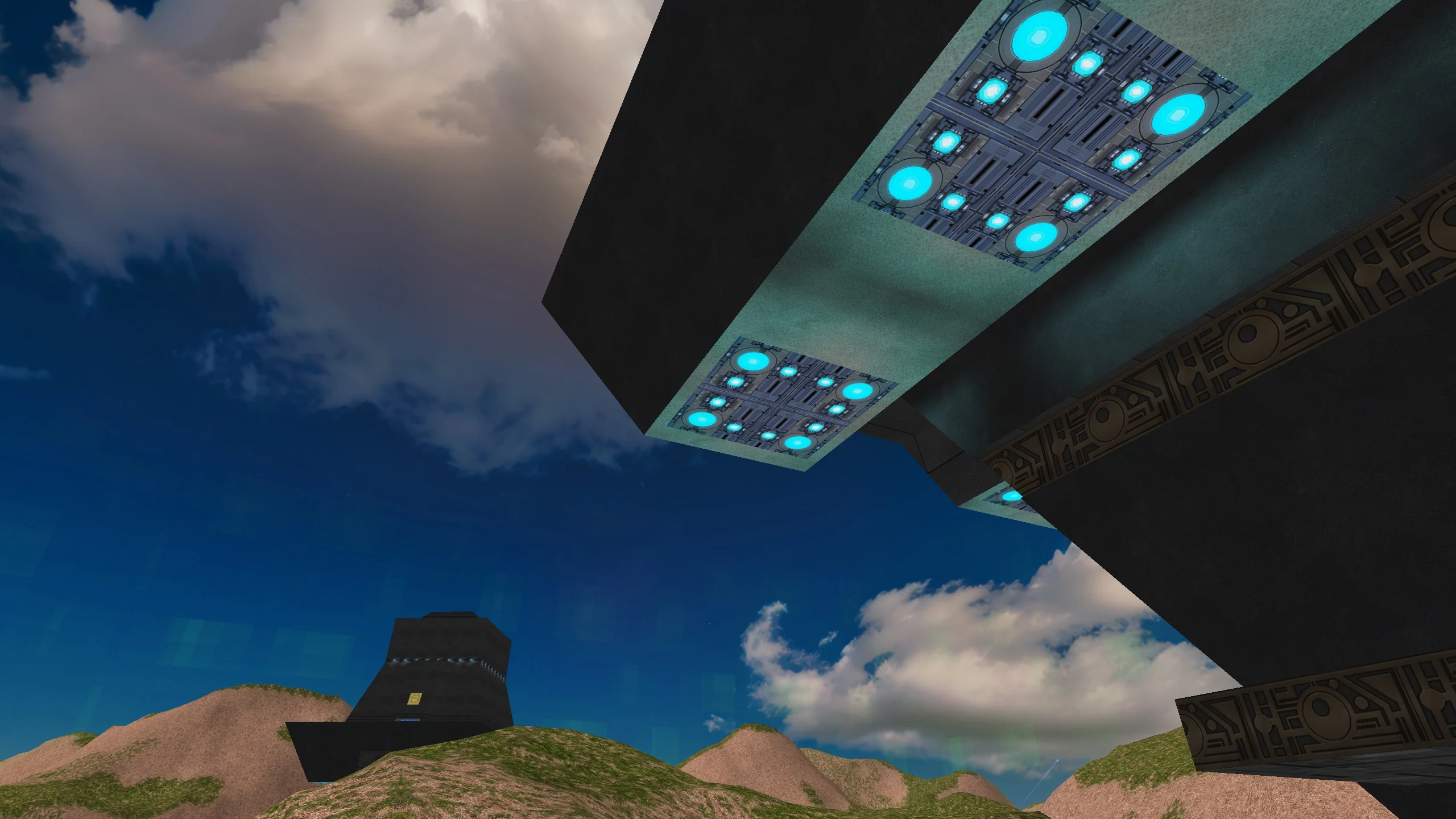
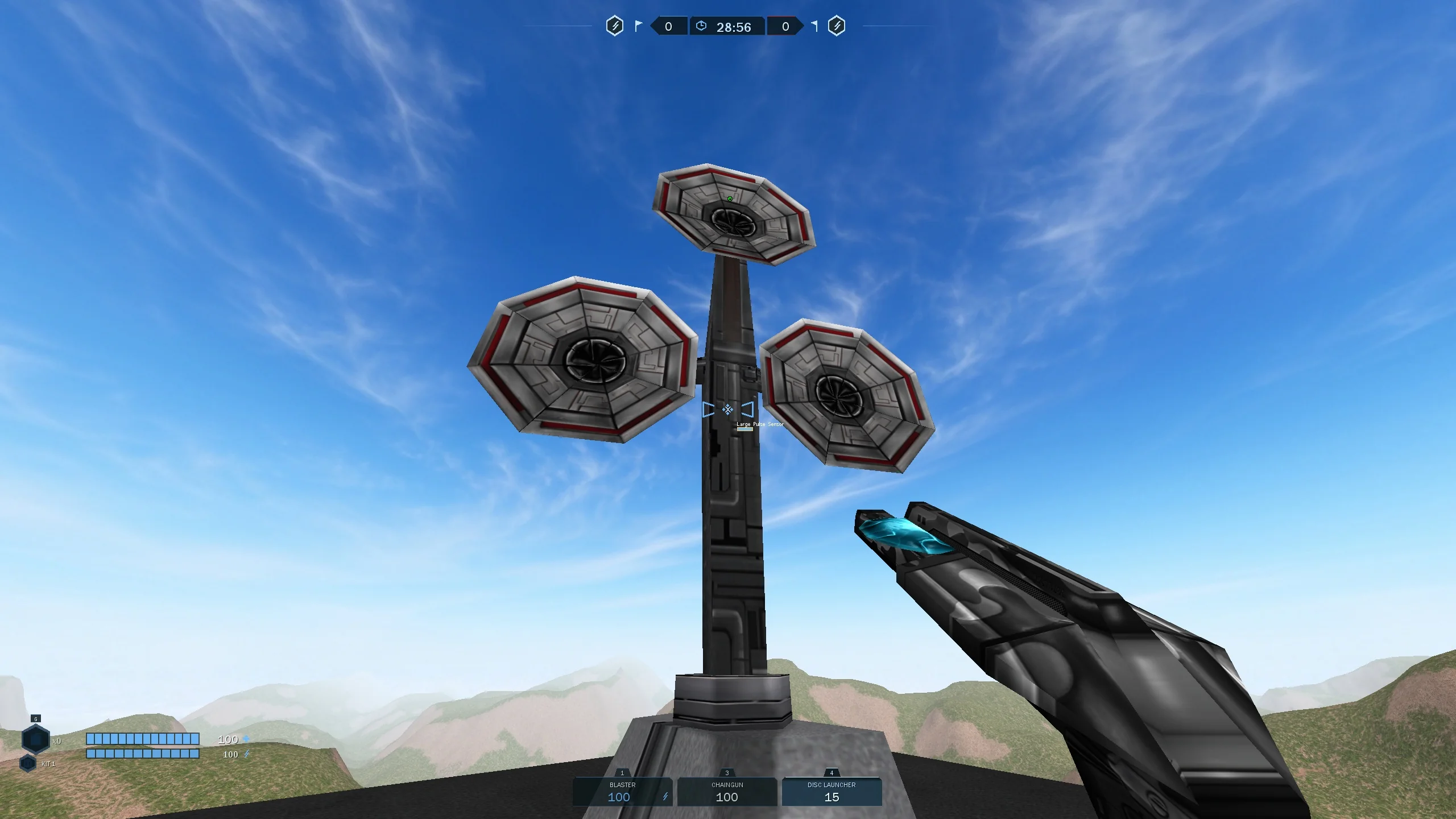
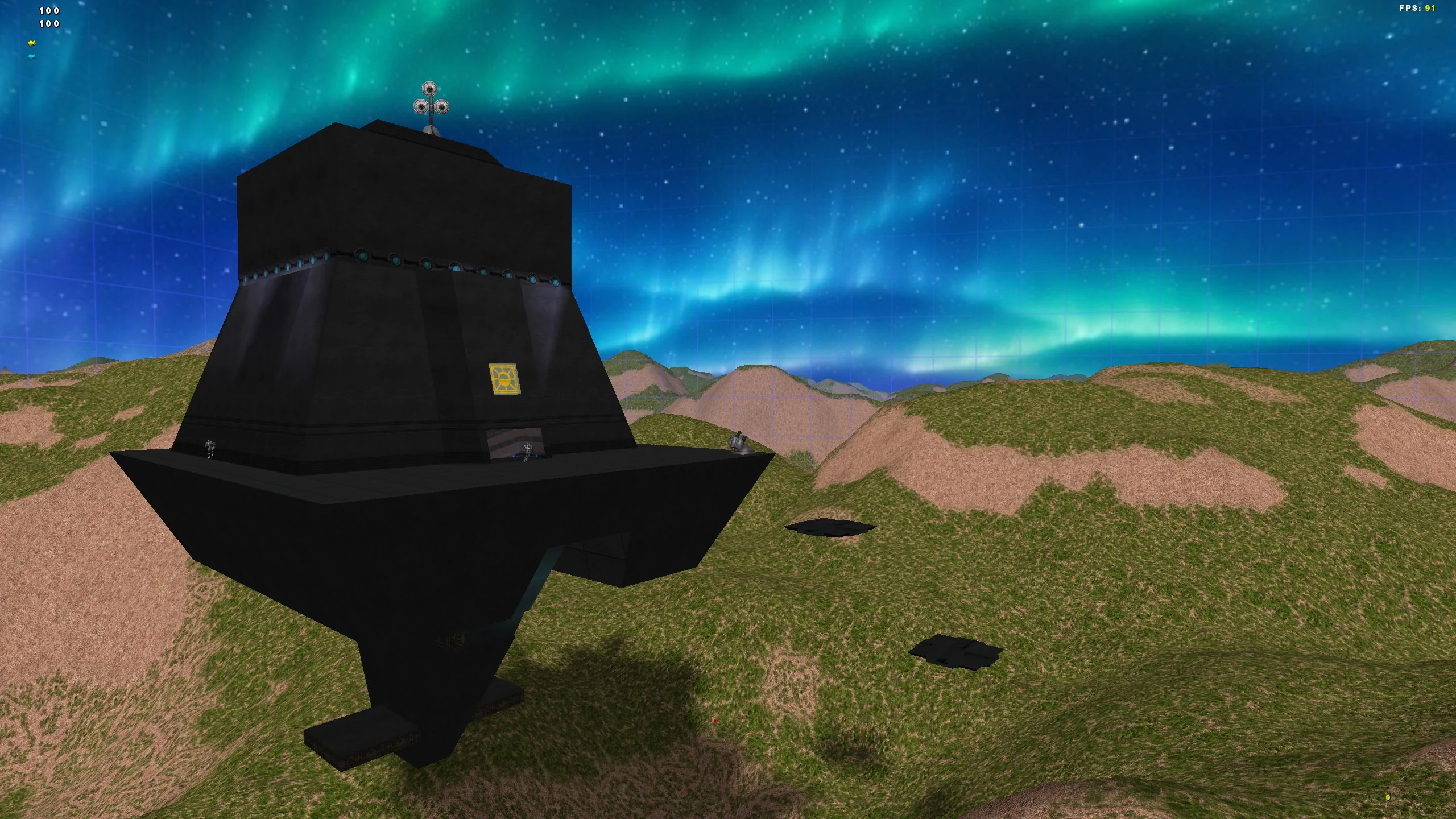
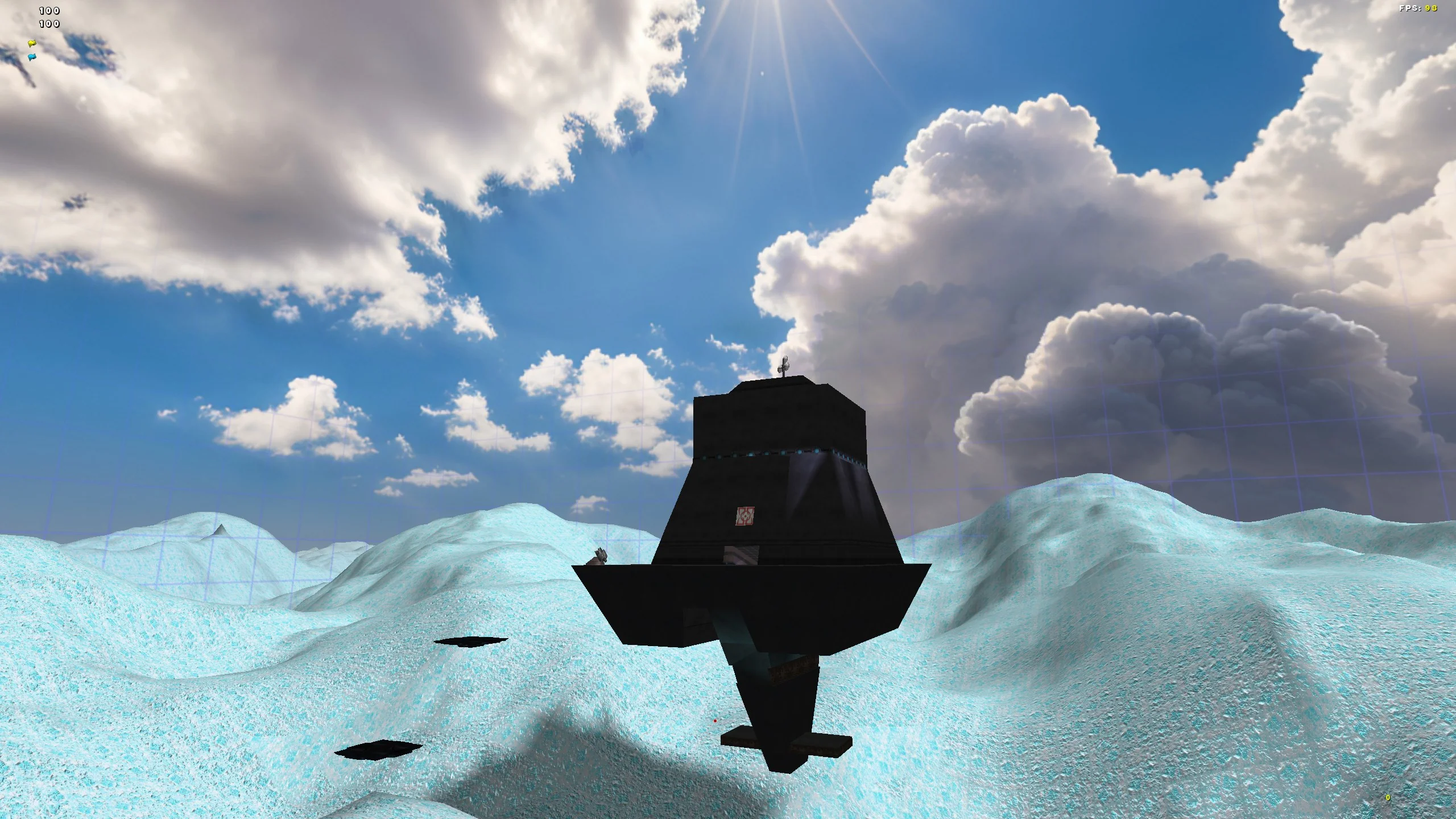
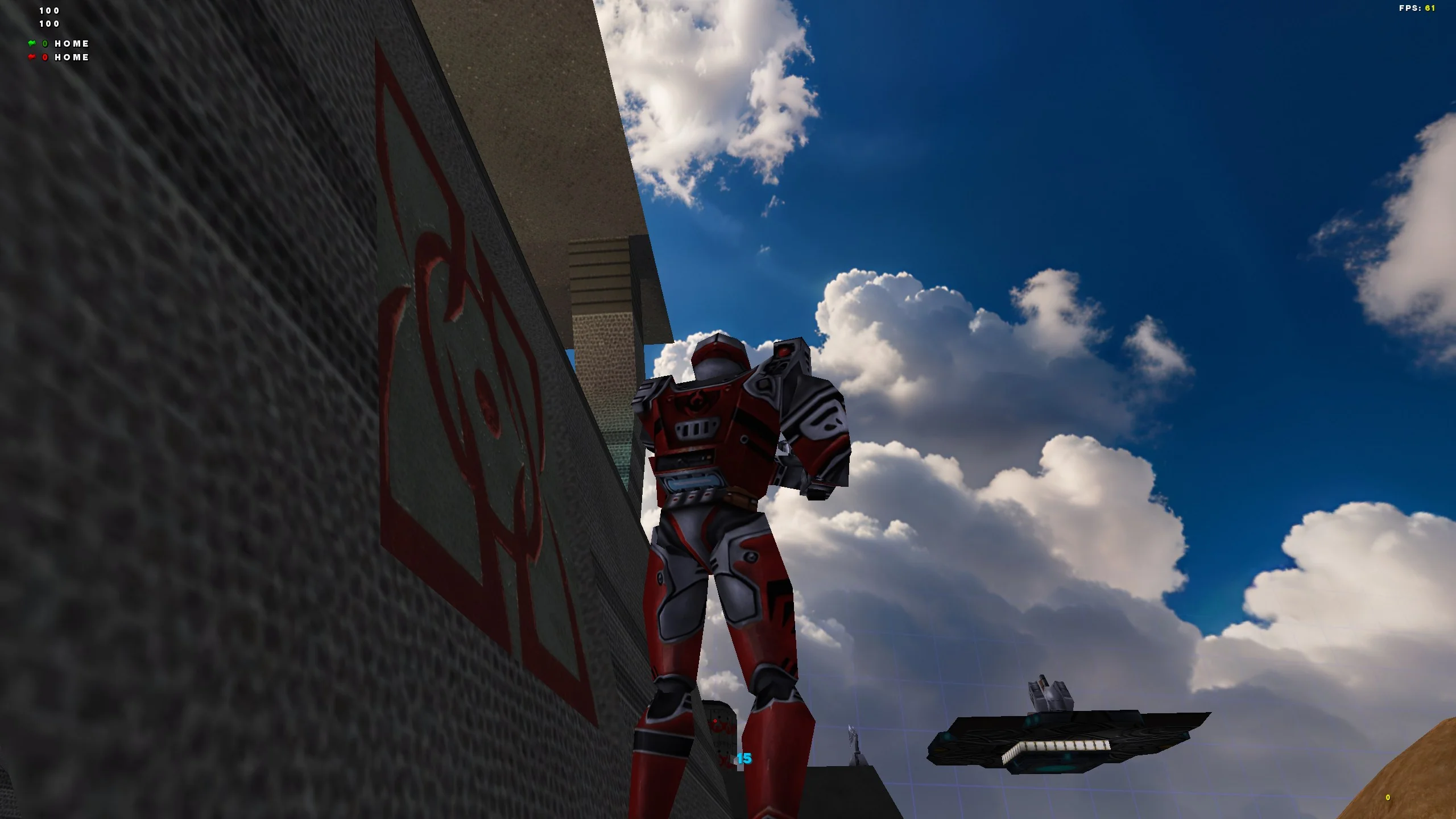
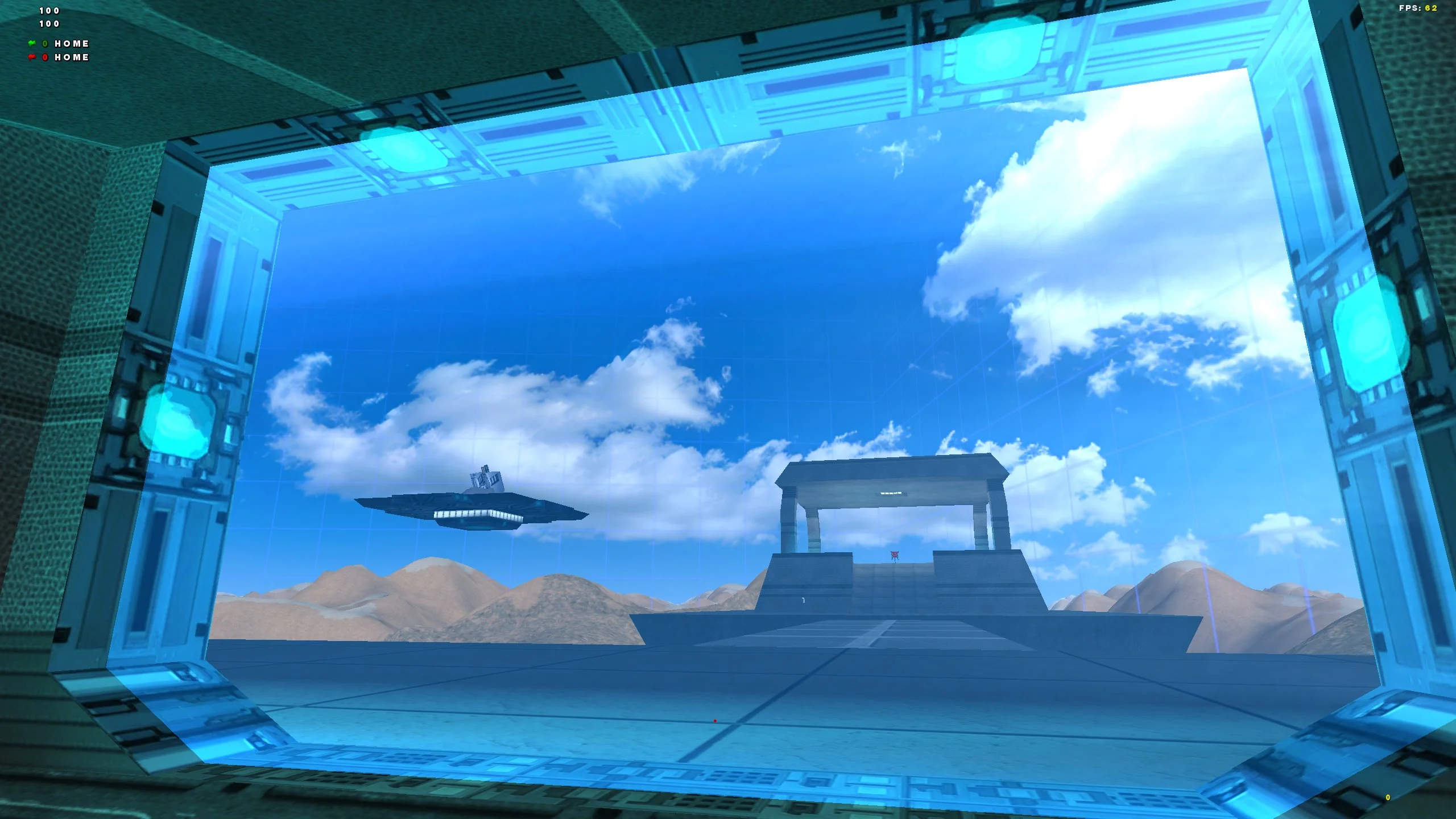
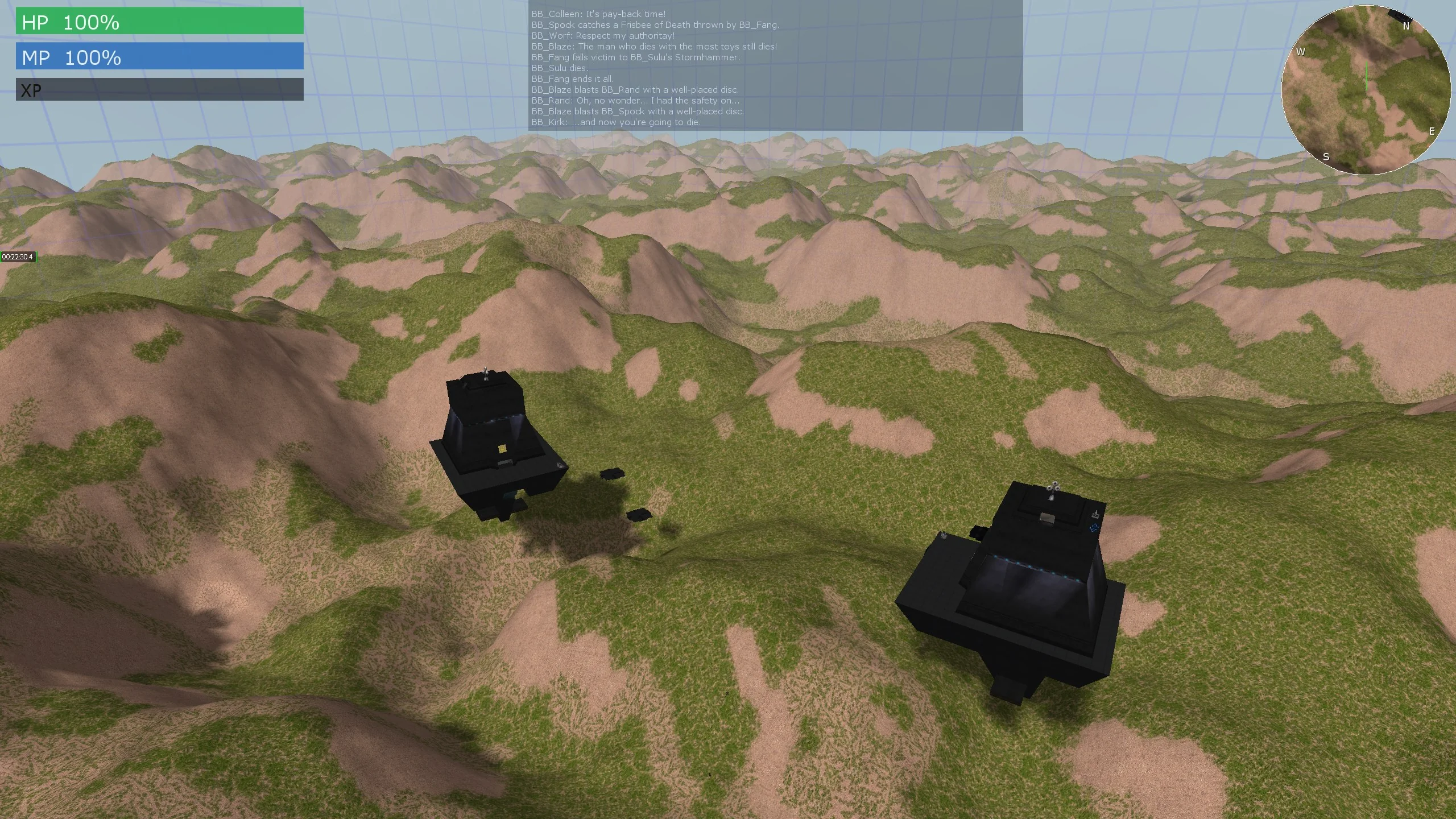
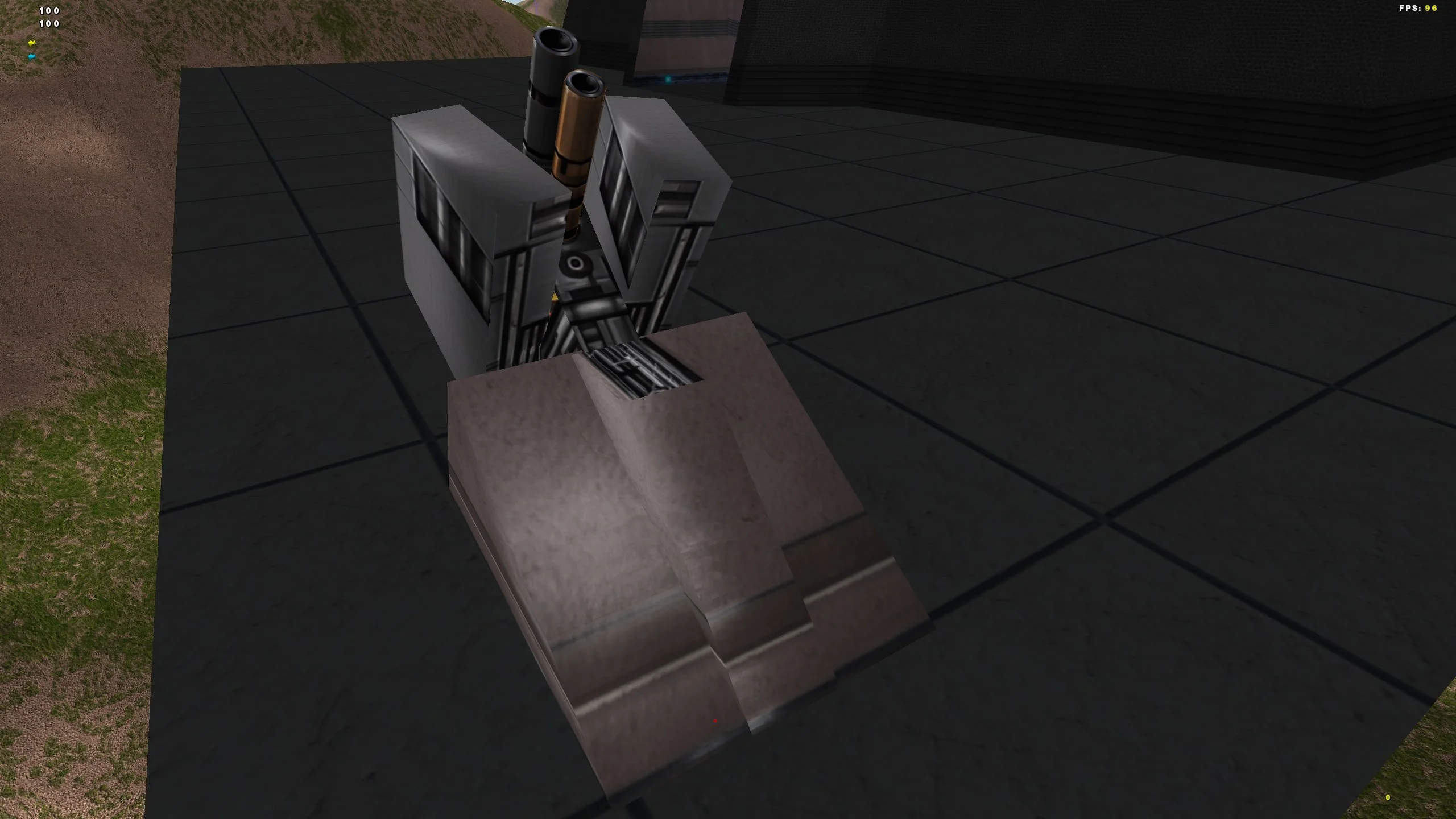
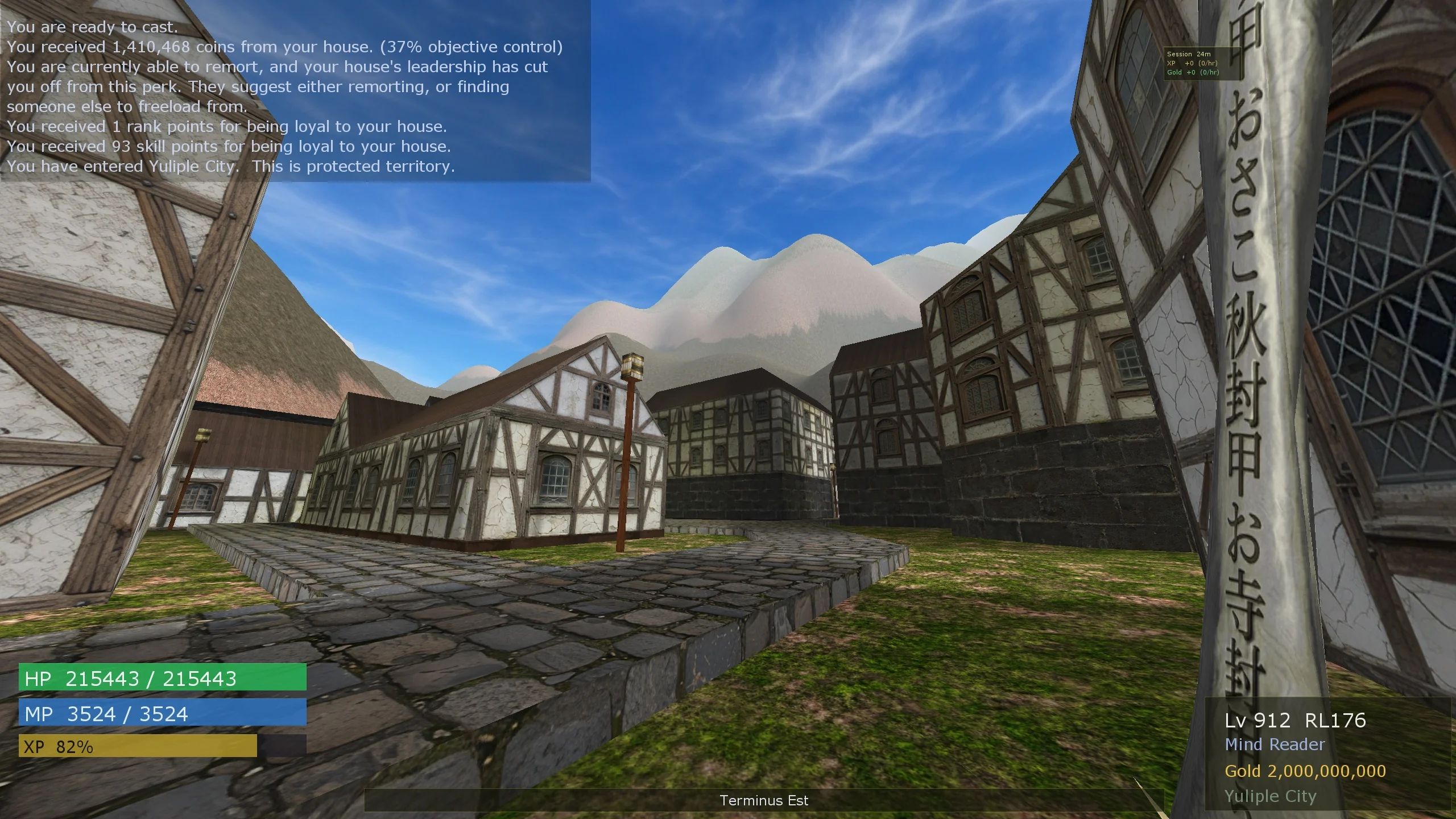
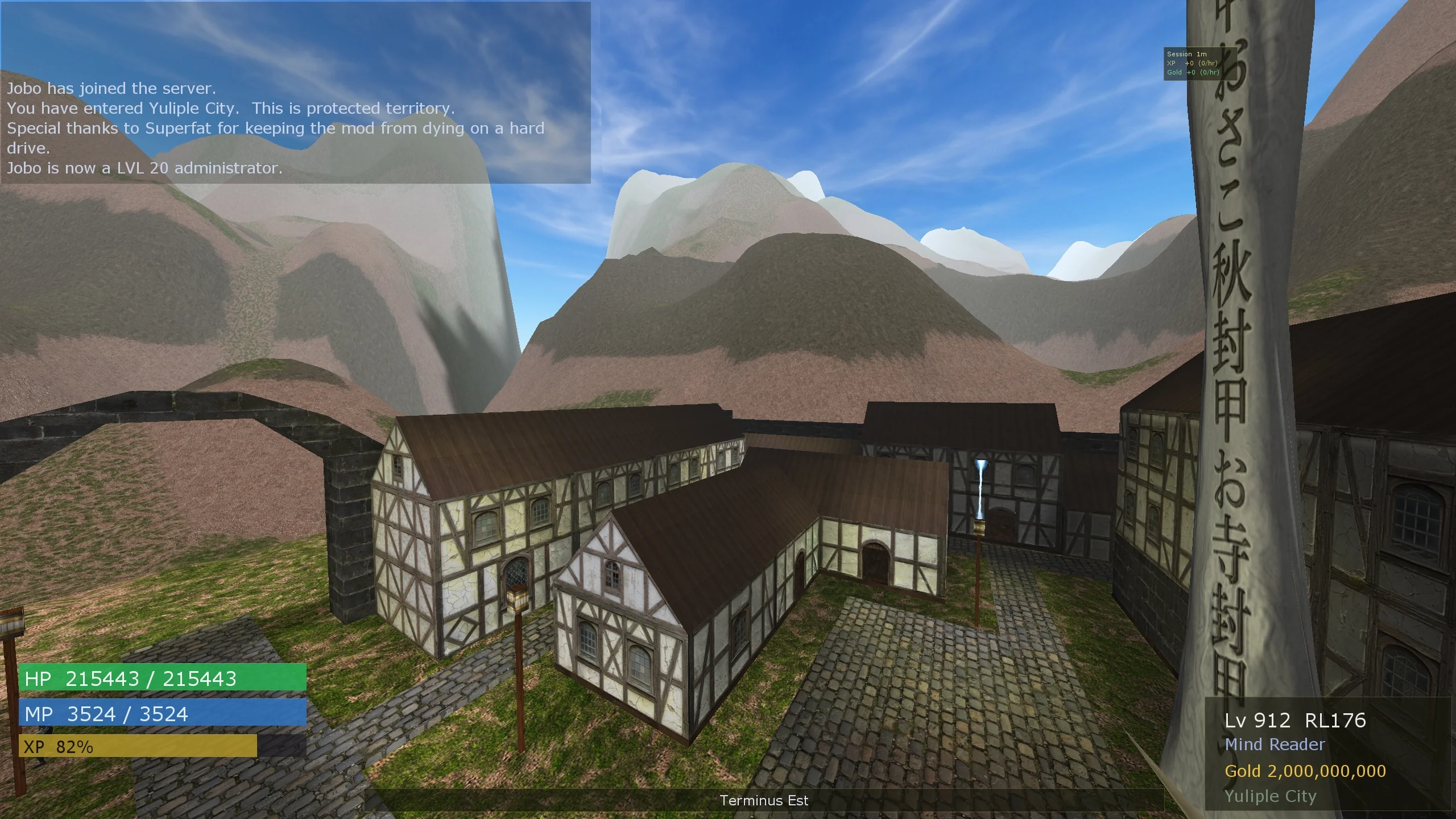
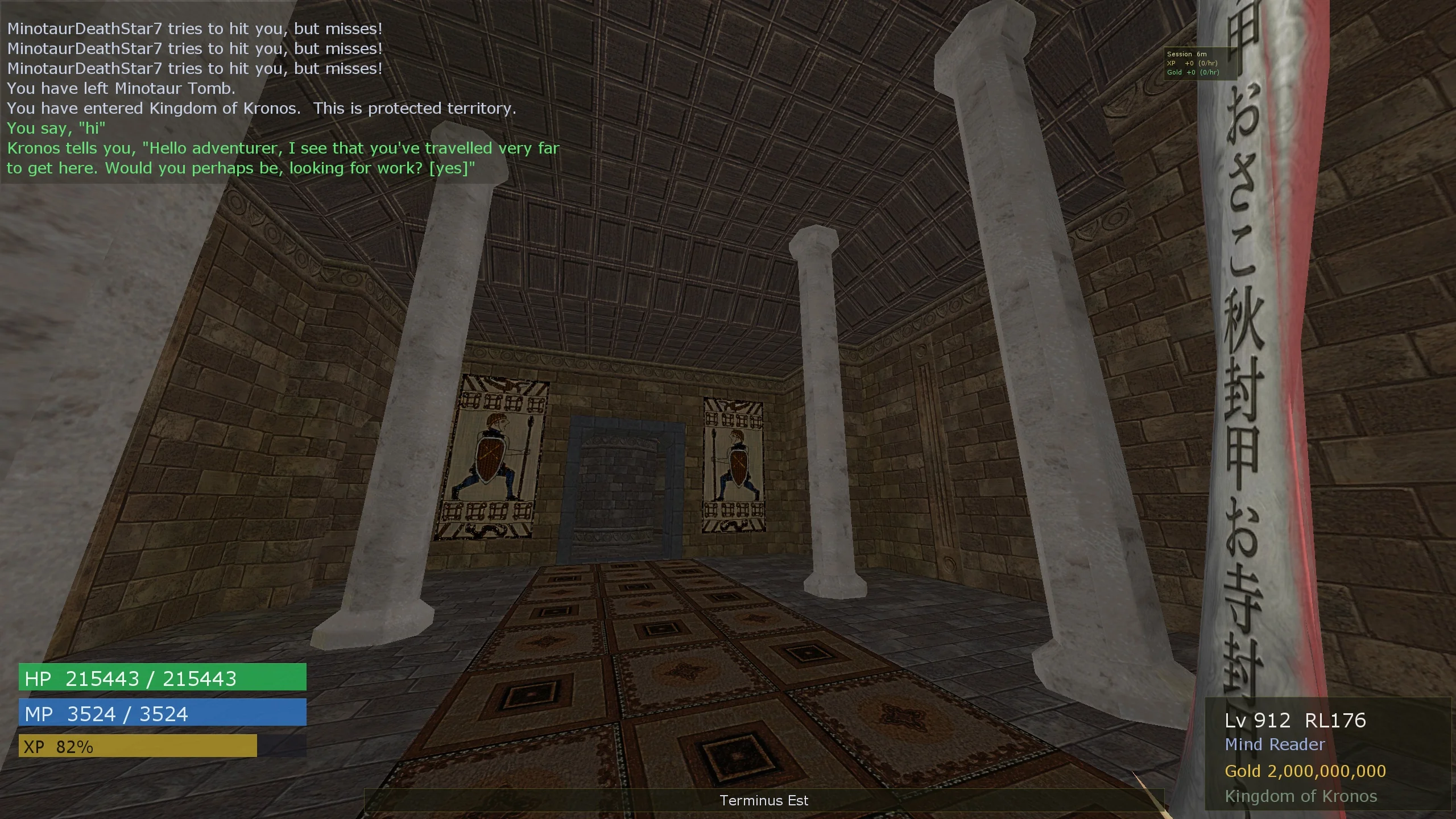
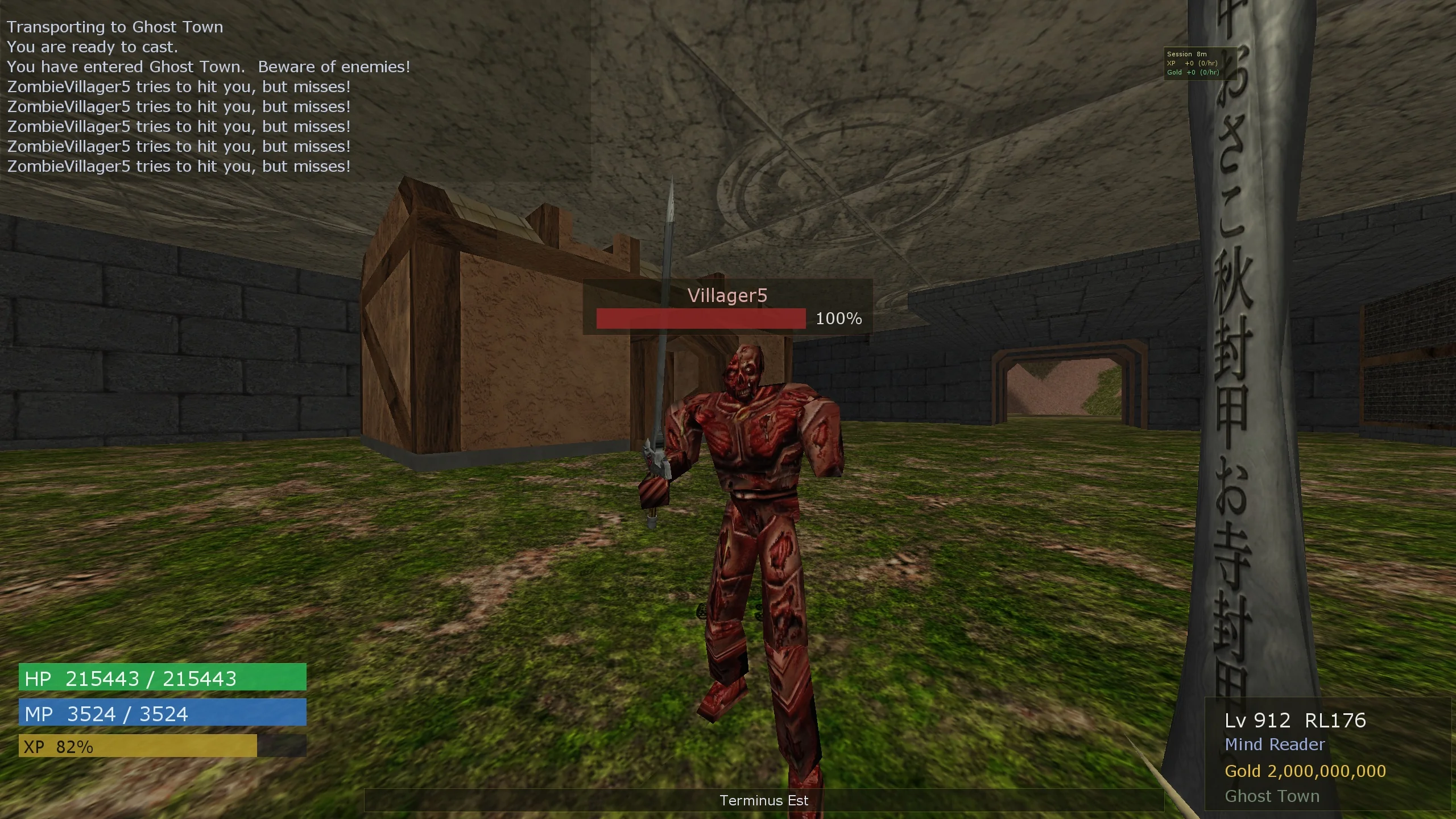
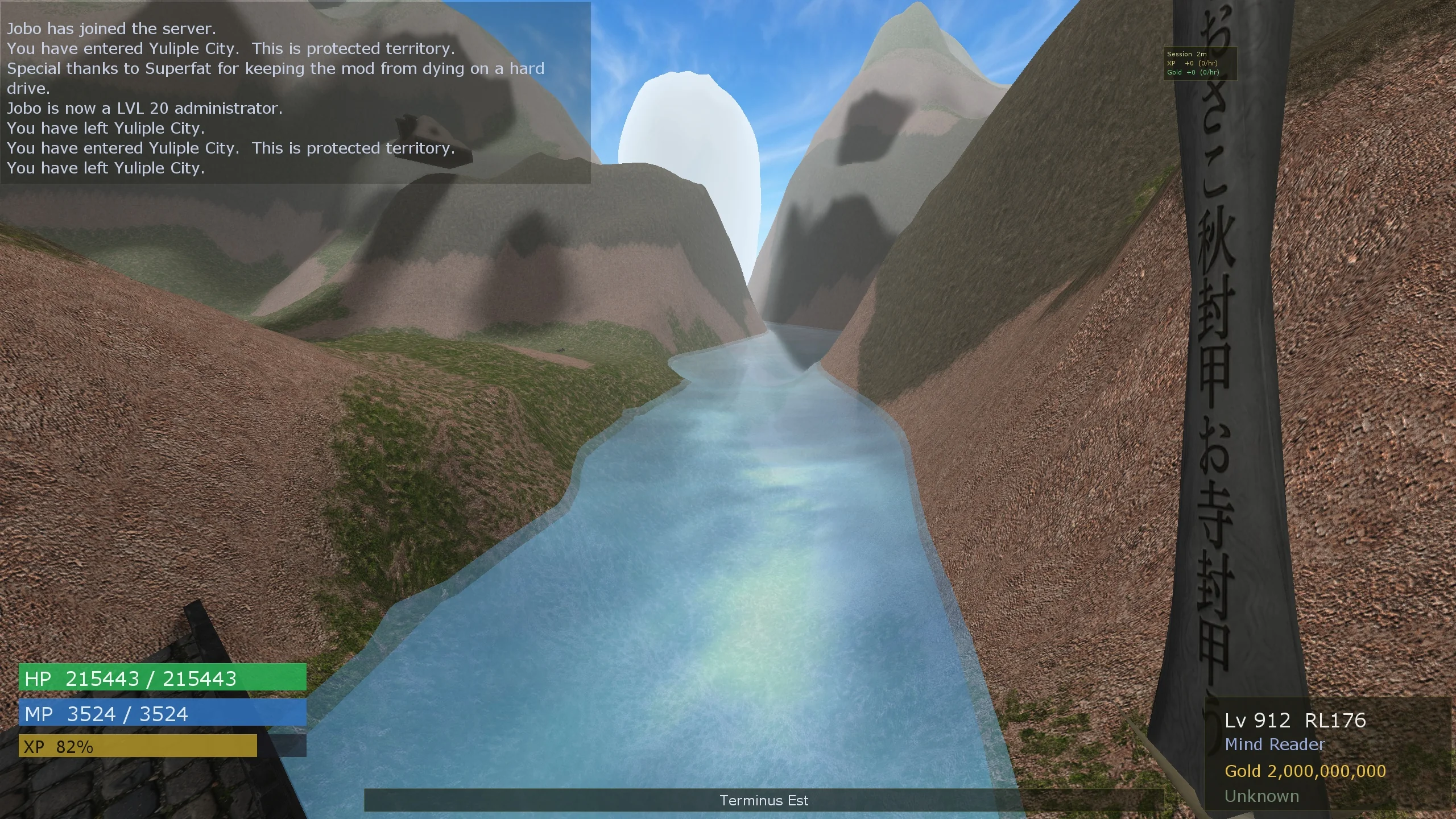
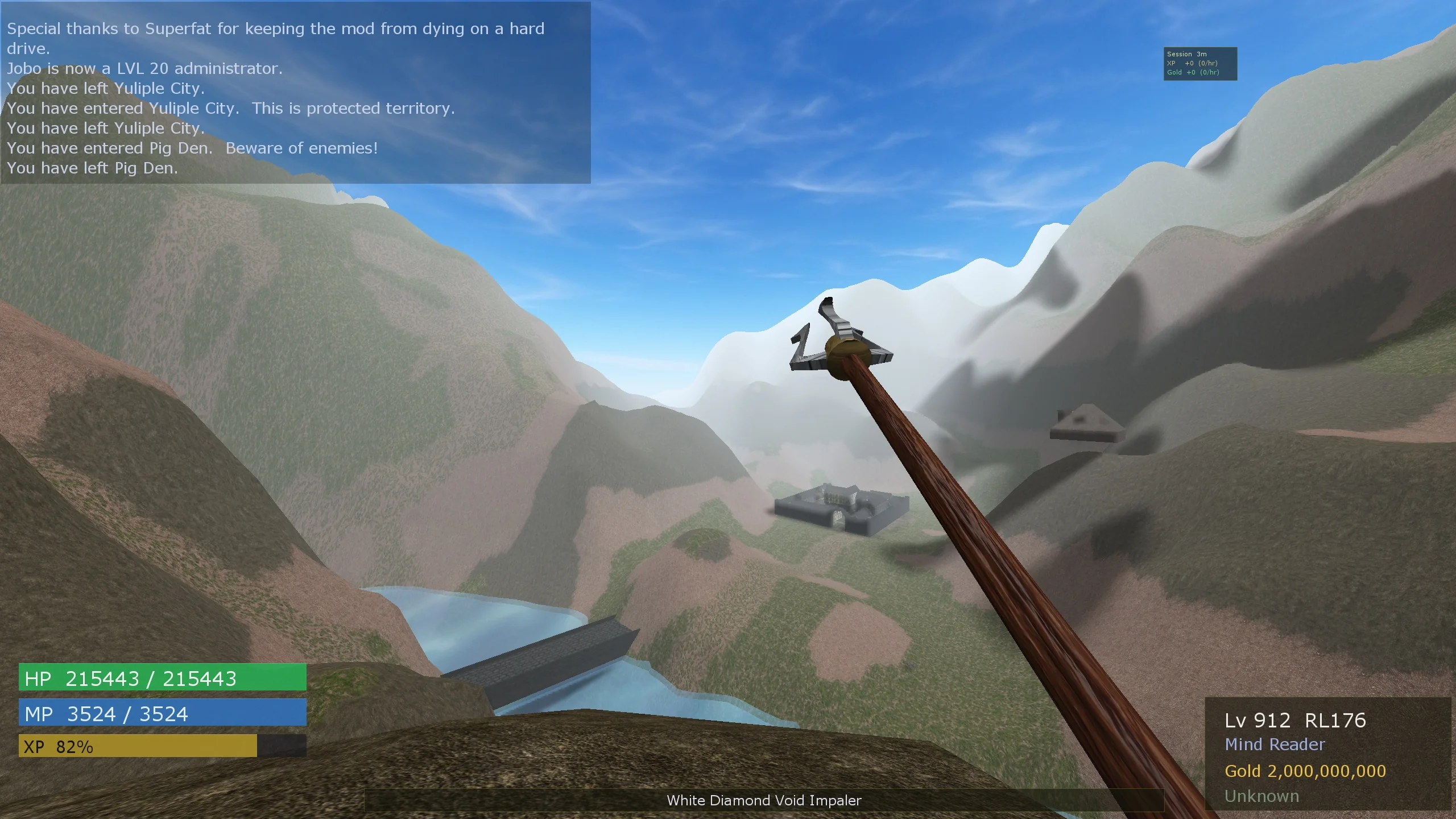
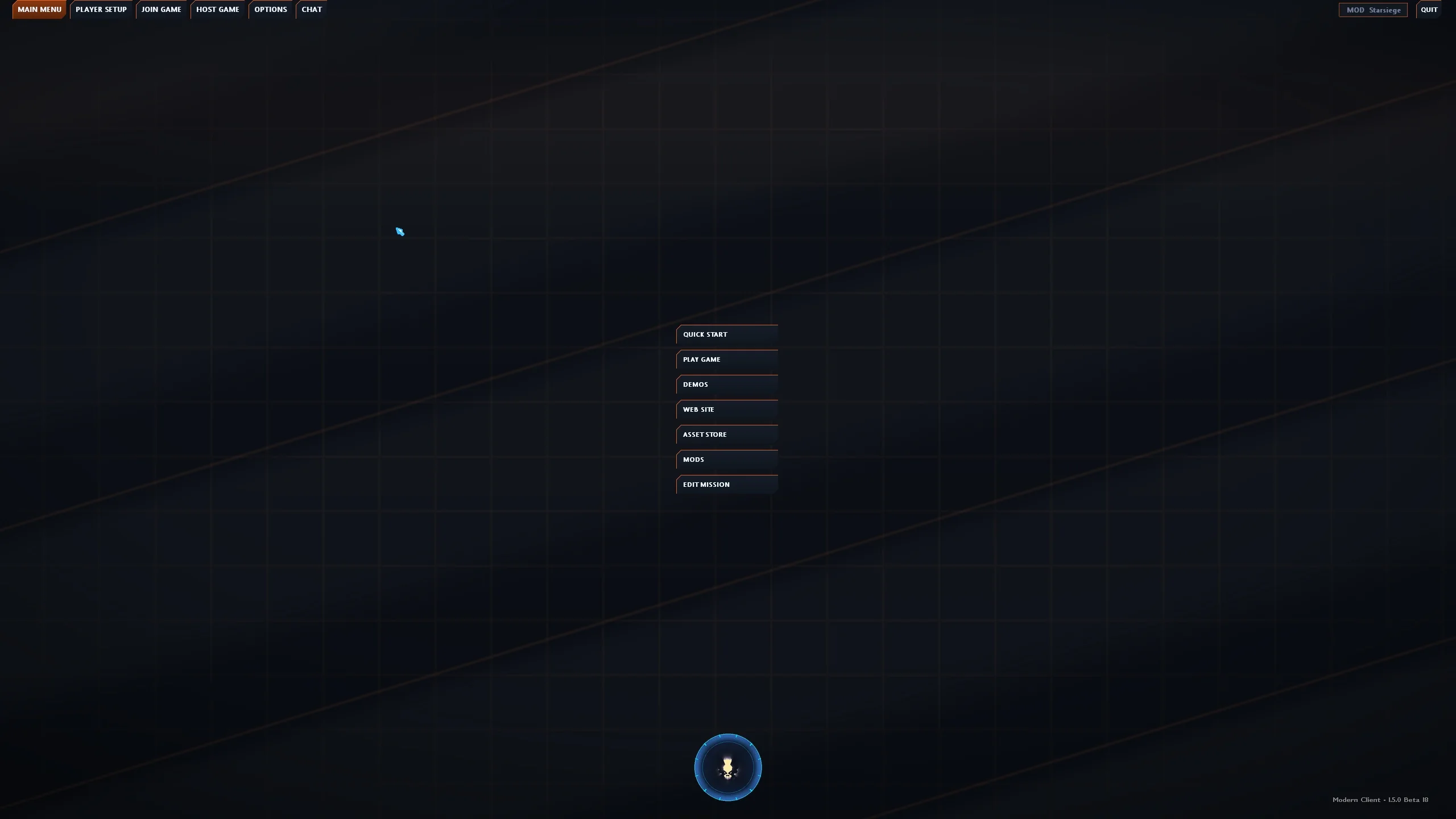
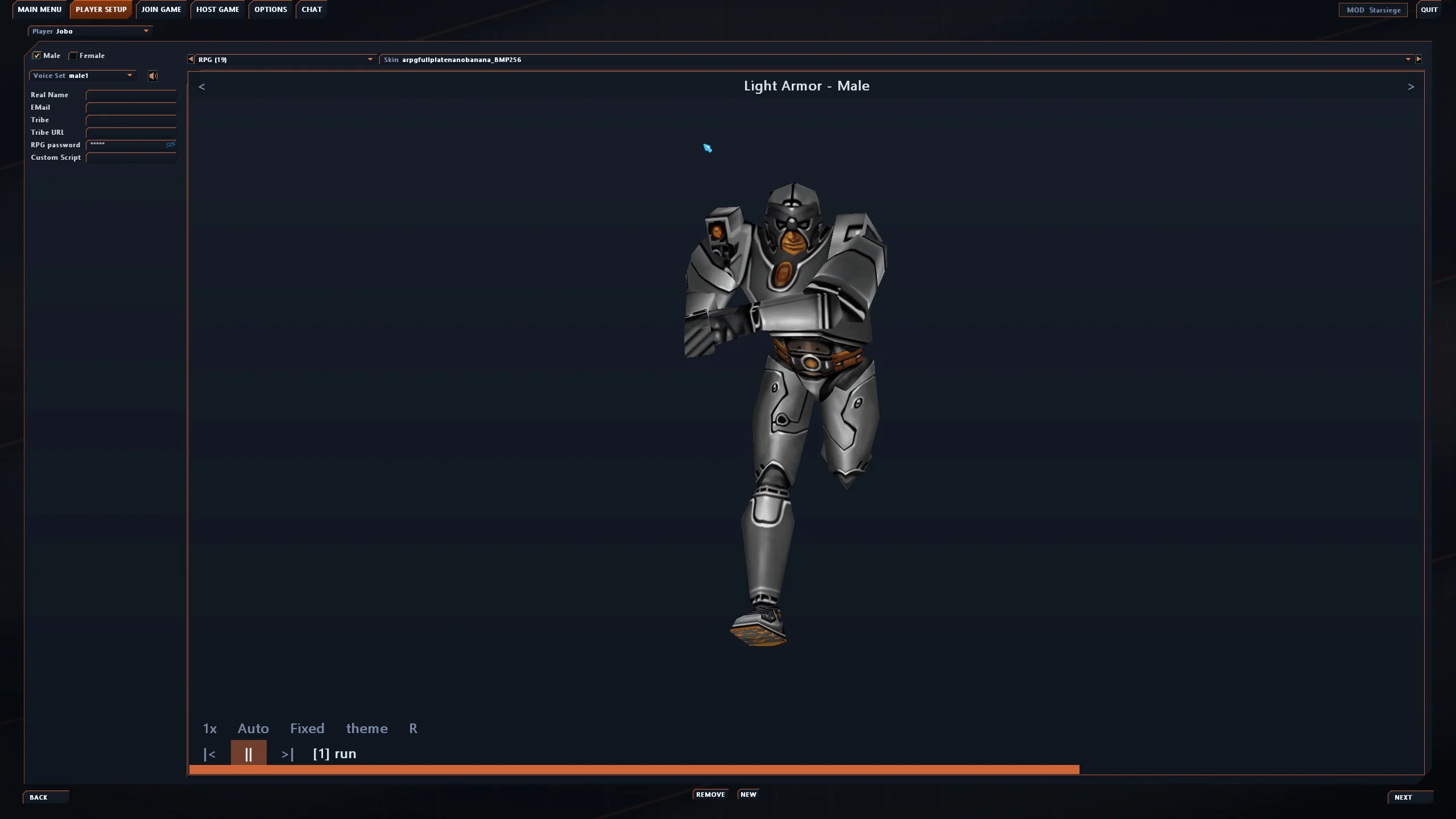
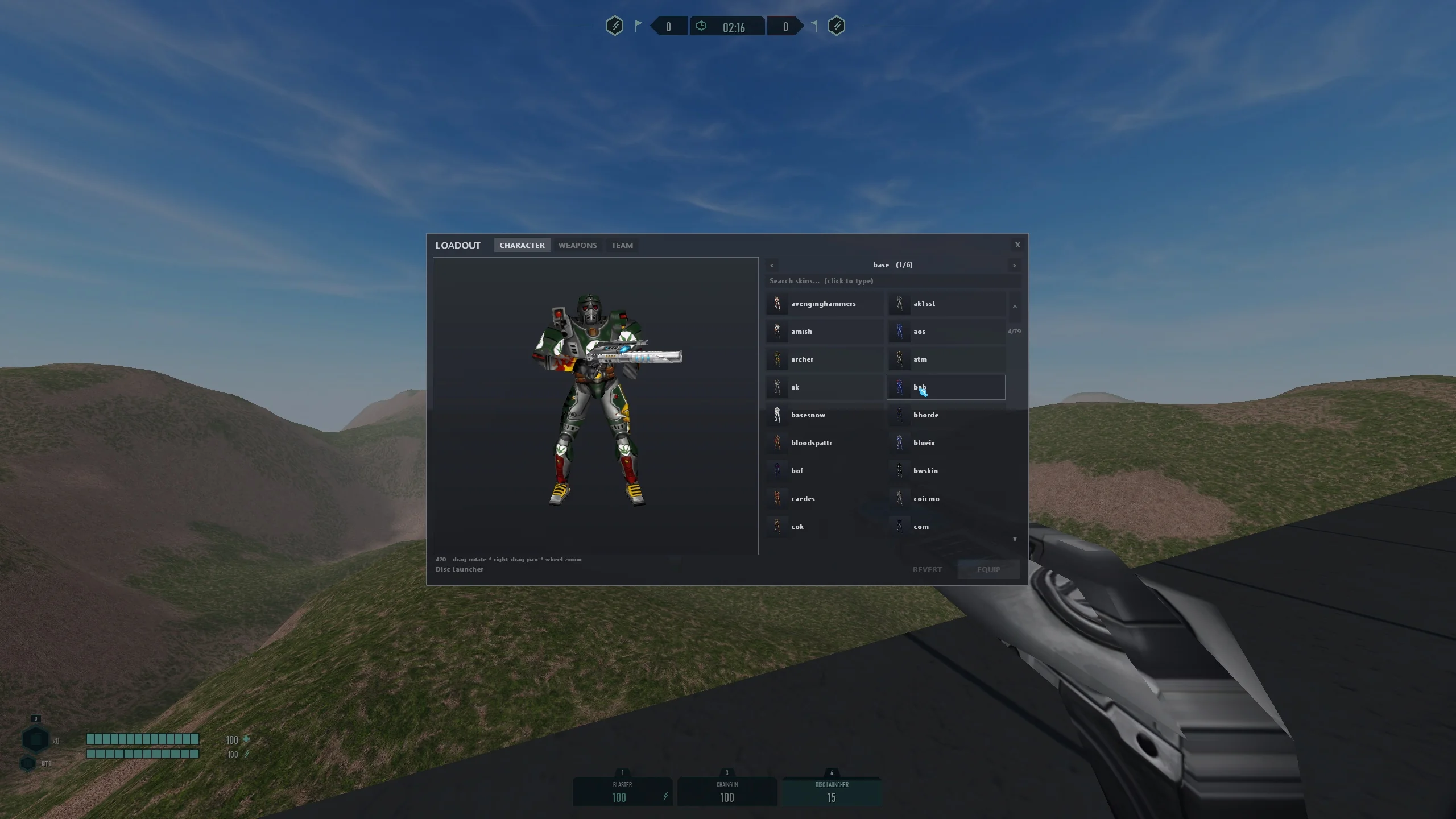
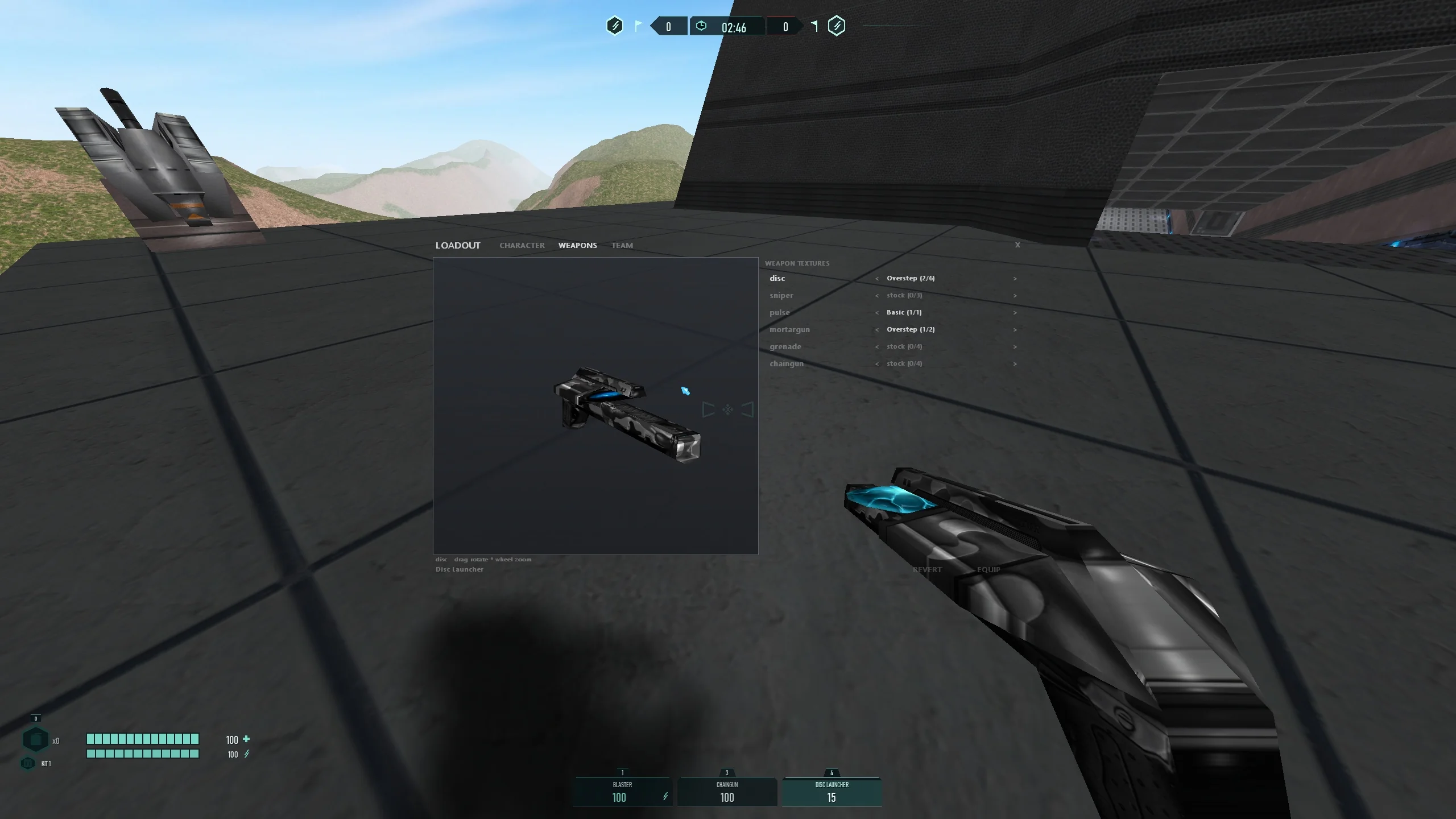
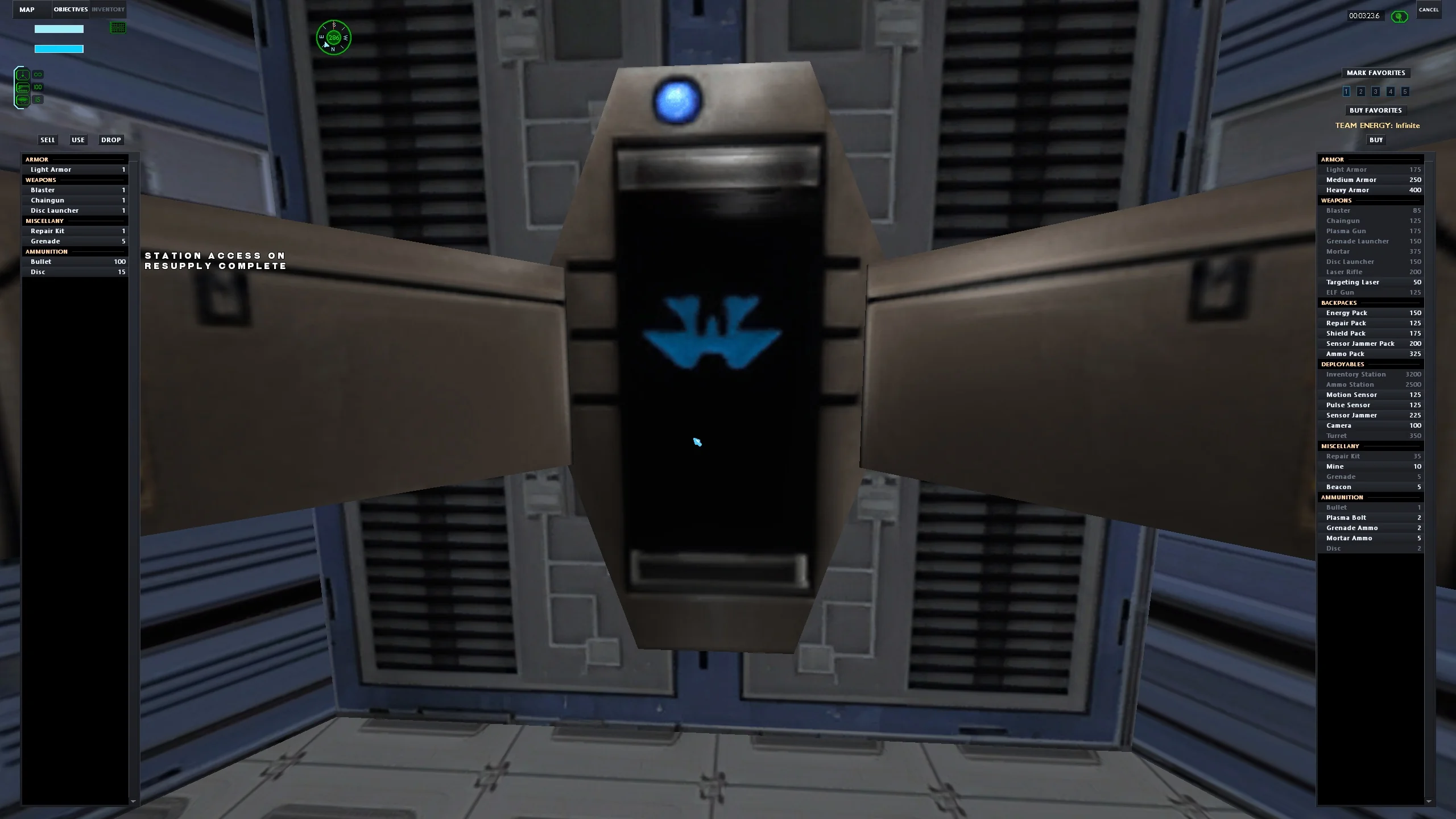
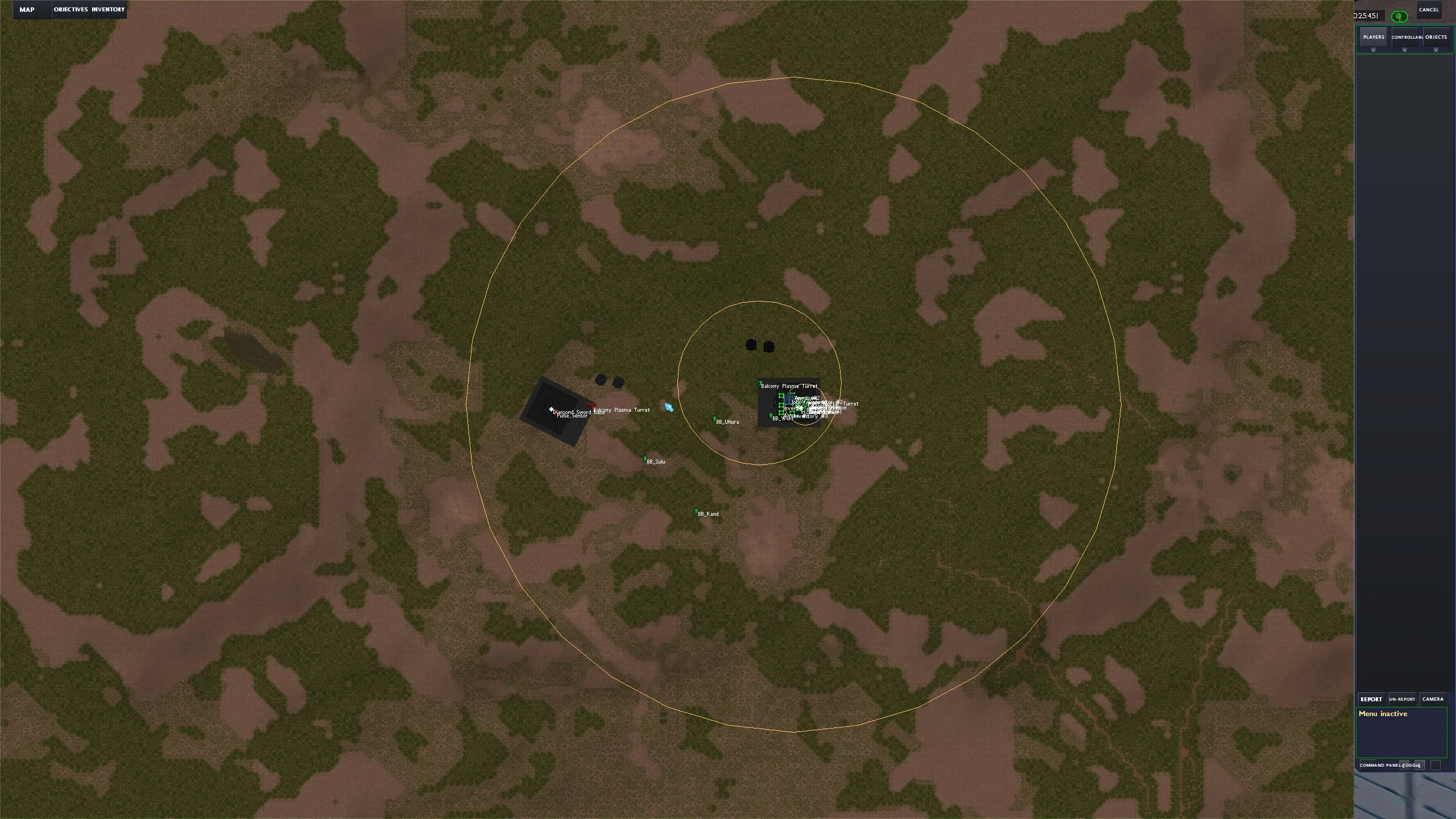
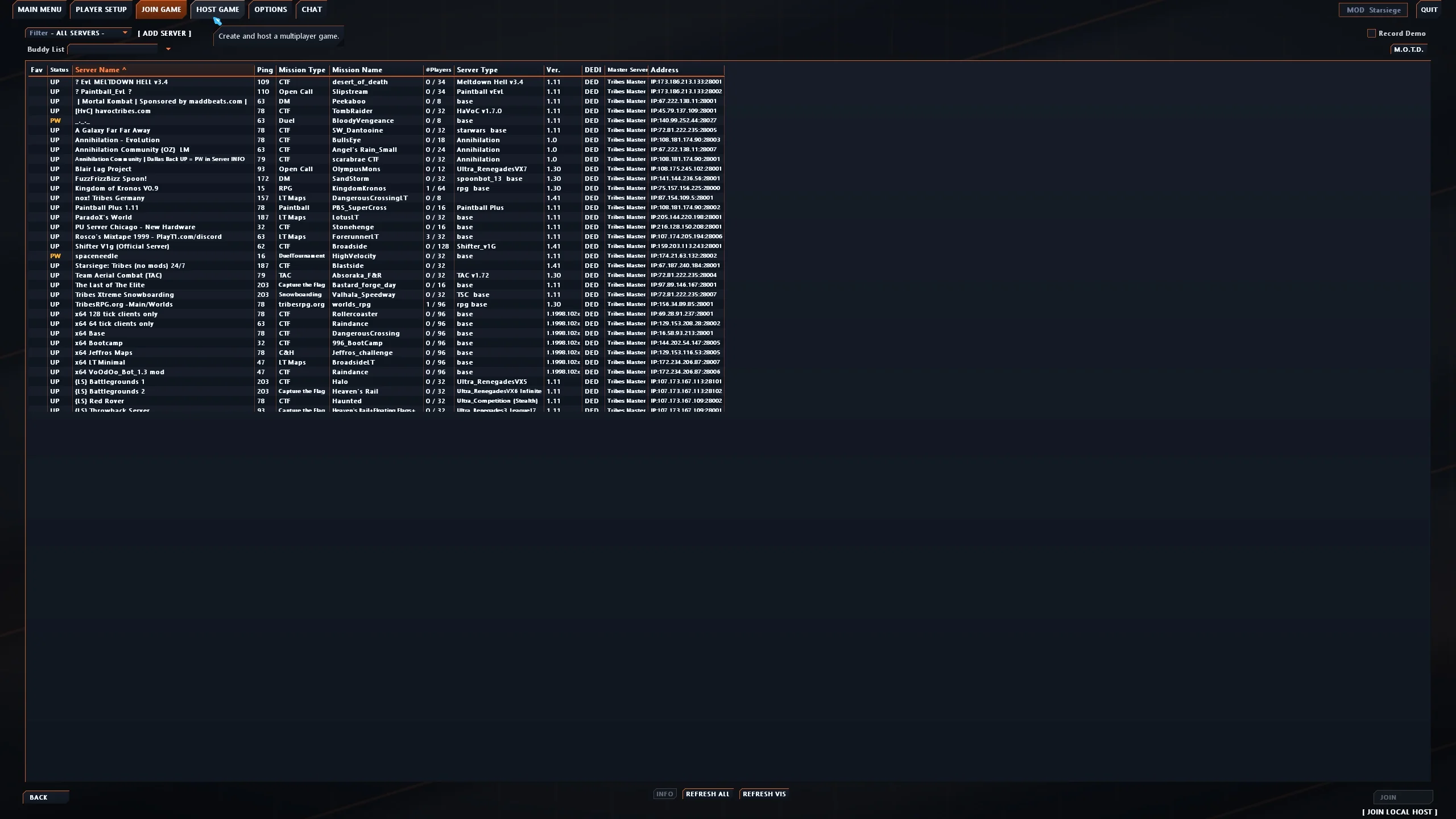
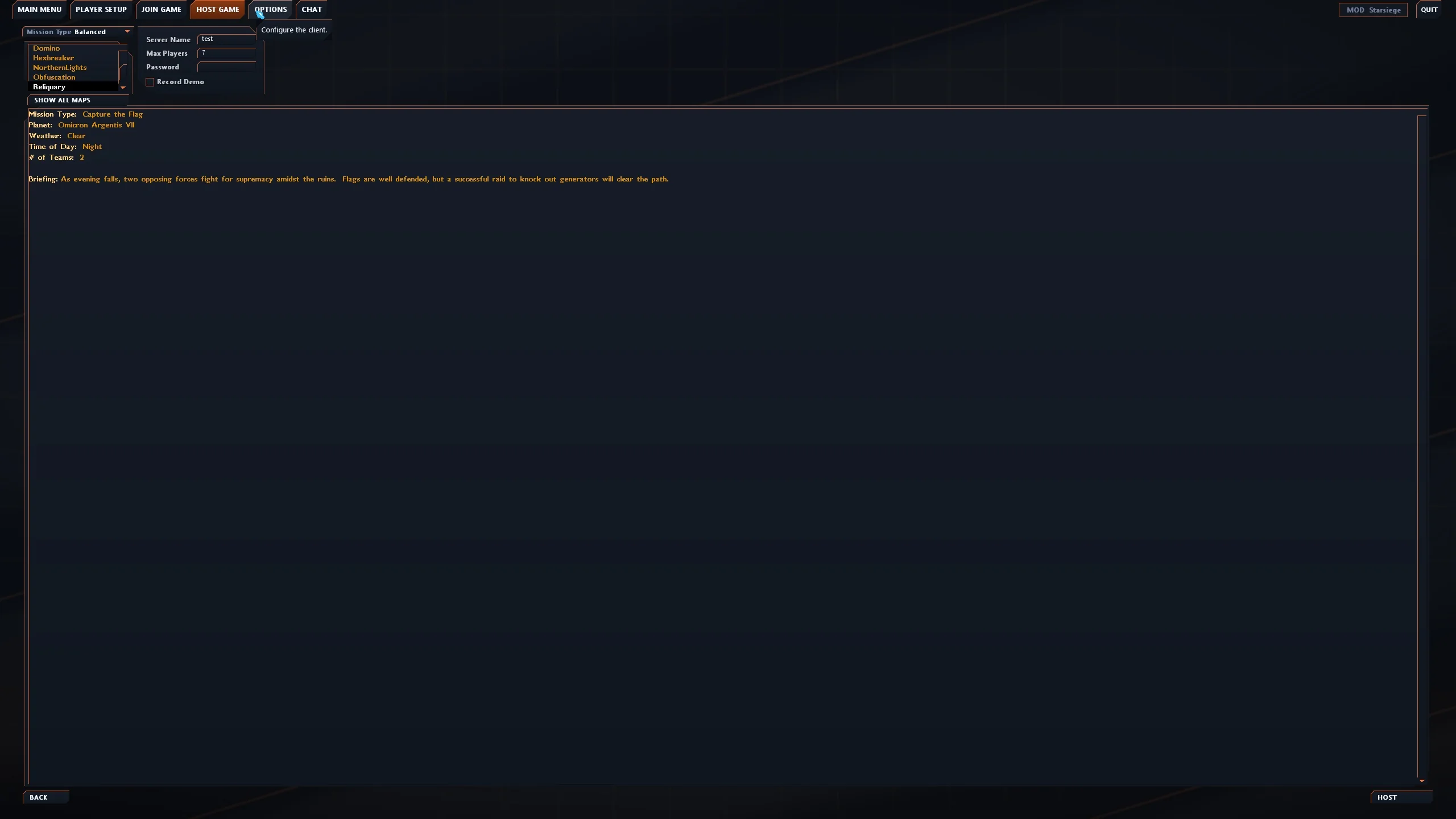
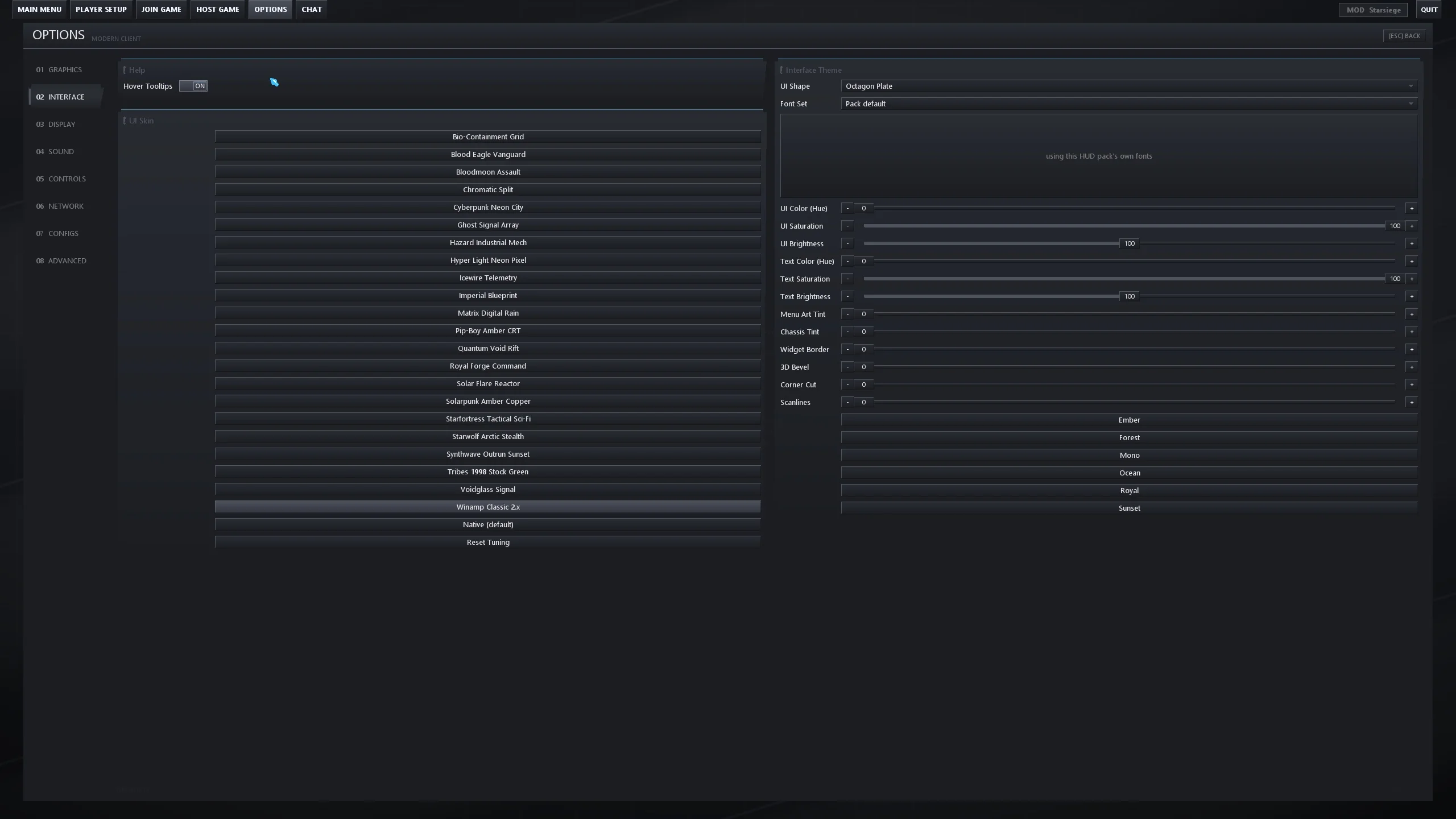
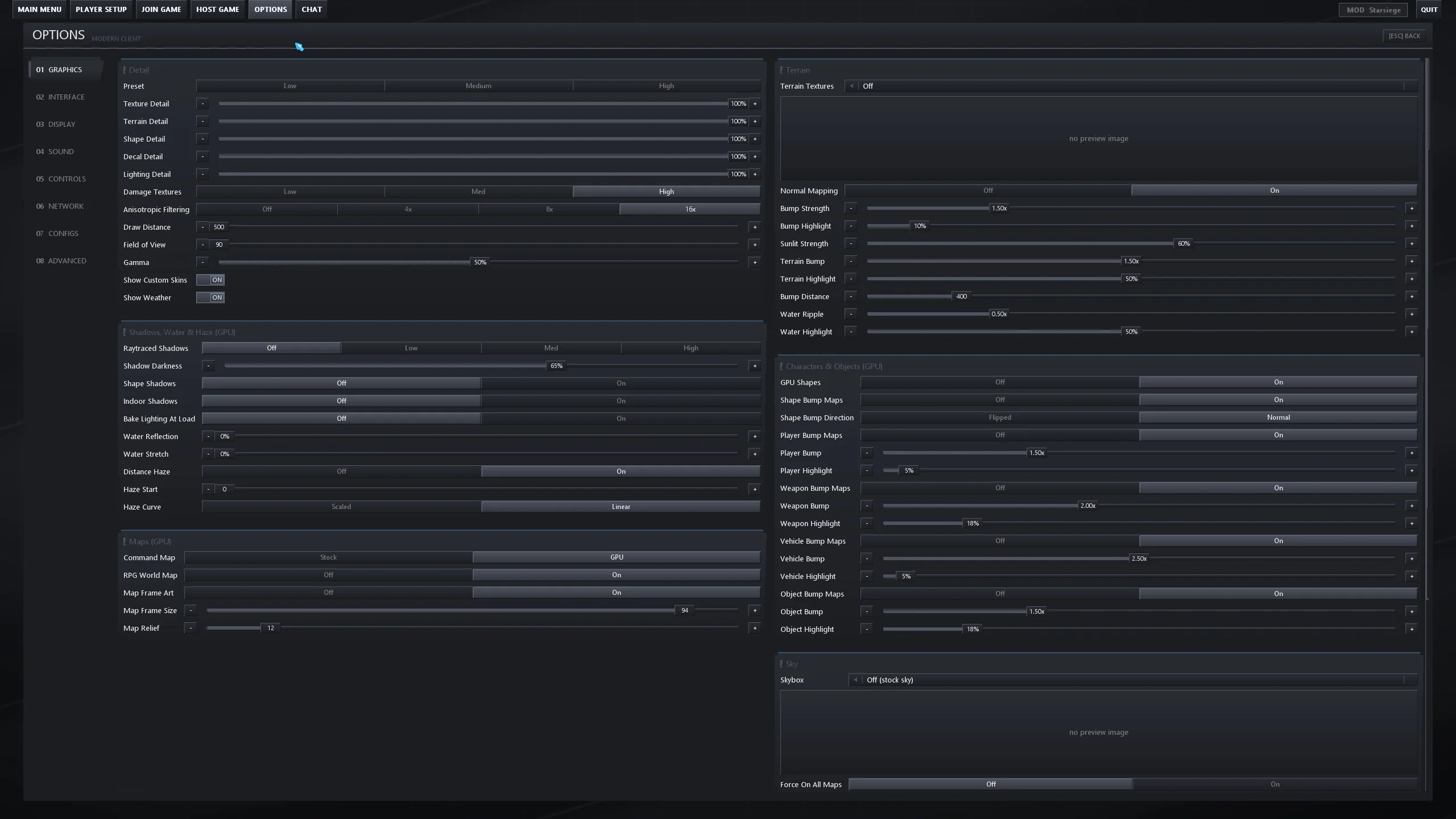
Rebuilt from original source code as a native 64-bit game for modern PC hardware — the old 4 GB memory ceiling is gone. The whole world renders on the GPU — raytraced sun shadows, normal-mapped terrain and armour, HD textures throughout — alongside a rebuilt team AI, a Starsiege total conversion, an in-game asset store, hardened low-latency netcode and a client that keeps itself updated.
The client checks for updates every time you launch it — accept the prompt and you are on V36. 36 releases so far; the highlights of the last few are below. Click a row to expand it.
Modern Tribes now runs as a 64-bit program. The old 4 GB memory ceiling is gone, so HD texture packs, large mods and long sessions on streaming servers no longer run the game out of memory. Gameplay is unchanged: the game math matches the 32-bit version bit for bit. Requires 64-bit Windows 10 or 11, and nothing else to install.
With the Discord app open, your profile shows the server you’re on, the mode and map, the player count and how long you’ve played. Turn it off, or hide the server name, under Options > Interface > Discord.
Click Join on a friend’s Discord status and Modern Tribes starts and takes you straight to their server, asking first if it runs a mod you’re not in.
The CHAT tab in the menus is now DISCORD and takes you to the community server. Added to Steam as a non-Steam game, Shift+Tab opens the Steam overlay without also opening the Tab menu.
Servers sleep until they have work to do: on Linux an empty server drops from about 30% of a core to 3%. Windows hosts send players the full update rate on time. Linux hosts now need 64-bit Wine — stop, update and start the server once.
A Reset Graphics To Defaults button, and brightness no longer creeps up each time you open Options and restart.
Playing on Linux through Proton or Wine with music on no longer runs the game out of memory and crashes after five to eight minutes. The menu and in-game music sound exactly the same, and players on Windows see no change.
You now hear hit confirmations on servers running the classic or 1.40 netcode too, and they follow your effects volume instead of the voice volume.
Paging up in the modern HUD chat now scrolls line by line through long wrapped messages, so nothing gets cut off, and a hidden command line no longer takes up a chat row.
If a server offers a content pack while you are mid-match, a short notice says what is waiting and that Esc opens it, instead of a full-screen panel you could not click until you pressed Esc.
Picking a different mod in the server menu now resets the old mod’s map, rotation and mod override, and the header shows when a saved change still needs a restart.
Straight captures from the client at 1440p. No renders, no mockups — this is what the game looks like in play.
For twenty-five years, playing Tribes meant hunting dead forum links for a mod and a patch that may or may not match your install. Both of those problems are now solved inside the client.
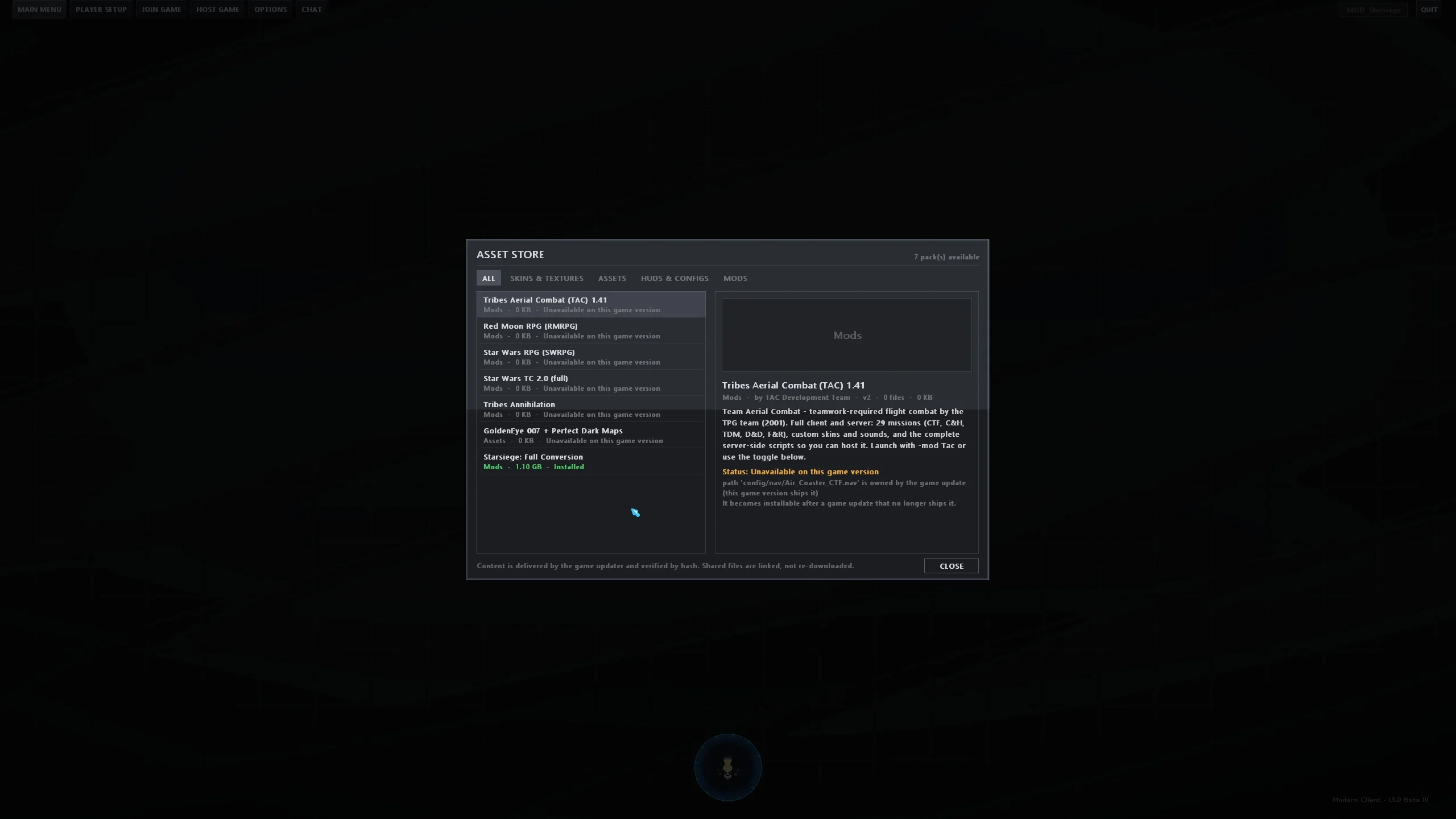
Tribes has never had a way to get content. Mods lived on forums that went offline, in archives with missing files, behind instructions that assumed you already knew. The client now has a real storefront built into the main menu.
Every Tribes client before this one shipped and then froze. A fix meant a forum thread, a zip, and a folder you hoped you were extracting into correctly. This one keeps itself current.
A deep dive into the complete 2,467-commit history. Click any feature card below for technical details.
Real sun shadows fall across mountains, bases and players, water reflects the sky, and you can see all the way to the horizon — up to 20,000 units.
The engine loads today's .glb/.gltf model format — fully animated, properly skinned — so new armors and vehicles can be built in Blender instead of 1998 tooling.
PNG, GIF and TGA art at full 32-bit colour, on models, terrain and menus alike — animated textures included. No more 256-colour ceiling.
Terrain, buildings, armour and mod art all re-rendered through an AI upscaler. Not a pack you hunt down — it's simply what the game looks like now, and it dials down if you're tight on memory.
Normal maps across terrain, buildings, water and armour, so rock reads as rock and plating catches the sun. Strength is yours to set per surface type, or switch off entirely.
Armours, weapons, vehicles and items are drawn by the graphics card instead of the CPU, lit from their own normal maps with a proper specular highlight.
Rain and snow now run as a GPU particle system: dense, fast and anchored to the world, so weather no longer slides along with you when you strafe. Drops splash on the ground and on rooftops, mist hangs on the horizon, and snow drifts with real turbulence.
Orbs, explosions and muzzle flashes now light up terrain and buildings, not just the players standing in them.
Full 360° skybox environments rendered by the engine itself, with proper atmosphere when you jet up to altitude.
Haze starts at a sane distance and fades out to your full draw distance, so long sightlines read as depth instead of "the whole map is fog". Water fades at the same rate as the ground it sits in, and a map that authors no haze renders genuinely clear.
Field of view, anisotropic filtering, detail tiers, draw distance, normal-map strength, weather, raytracing quality and a Characters & Objects section — all in the Options menu, no config editing and no console commands.
A total conversion built from Starsiege's own data files: 31 authentic HERCs and 44 real weapons, with heat, reactor drain and per-quadrant damage. Three modes, bots that pilot mechs, and no extra download.
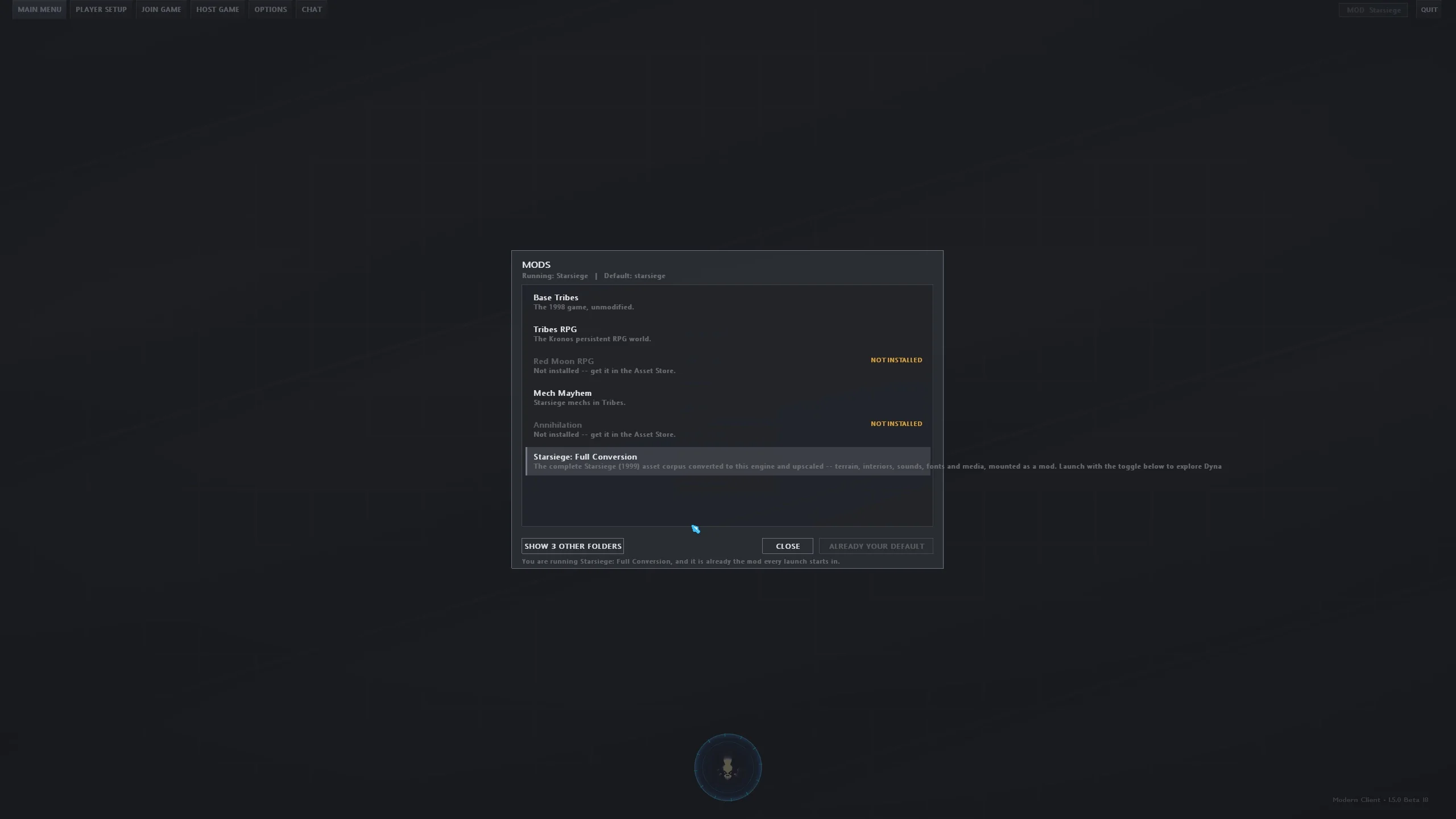
Tribes RPG, Mech Mayhem, War40k and TSC ship in the box. Annihilation, Red Moon RPG, Star Wars RPG, the full Star Wars conversion, Tribes Aerial Combat, Delta Air Force, the Starsiege conversion, GoldenEye maps, HD normal maps and 403 classic skin packs are one click away in the store — and an in-game mod selector switches between them without touching a file.
Not just the HERCs: the complete Starsiege asset corpus — terrain, interiors, sounds, interface, media — converted to this engine and upscaled, installable from the Asset Store as one pack.
A front door on the main menu, a modern interface, terrain sculpting, a browser for every model in your install — and the basics that never actually worked in 1998, like dragging objects and multi-level undo, finally do.
Drop a water or lava zone into any map and it renders as real liquid with real physics — swim, sink, take burn damage, kick your way out. Place a thunderstorm and lightning starts striking, with every knob in the inspector.
The engine runs as a true 64-bit program, so the 4 GB memory ceiling that capped HD texture packs, big mods and long sessions is gone. The game math matches the original bit for bit, so movement and physics online stay exactly as they were — and it needs no Visual C++ install.
Bigger network buffers mean far fewer dropped packets in heavy fights, connection retries adapt to your ping, and player movement smoothing is yours to tune.
The classic 1.40 config packs do not run as-is on the modern client — their HUDs need to be remade as HUD packs, and the ones people actually use already have been: Ascend, Basic, Overstep, ProConfig, Vantage, Vector, vodka and xLoader ship built in. Pick one from Options, switch live without restarting, and tune it from the K menu. A porting guide is included for the rest.
The old community plugins can't run on a modern client, so the classics are being rebuilt properly — transparent chat, custom fonts and Ogg audio already work.
The 1998 frame limiter is gone: run as fast as your machine allows, or set your own FPS cap and V-Sync. Built-in timing tools catch stutter instead of guessing at it.
Every bullet that connected used to make the server re-read a line of script. Now it's a direct call — the single biggest source of server load, removed.
The HUD is drawn as vectors and TrueType text instead of stretched 1998 bitmaps, so it stays crisp from 1080p to 4K — and HUD packs can be authored to match.
SDF-rendered widgets and TrueType text, 29 shipped themes, 8 selectable widget shapes, live colour tinting and animated effects — all driven by editable JSON skins.
Ascend, Basic, Overstep, ProConfig, v0dkA and xLoader ship as proper HUD packs, alongside Vantage and Vector built for the rebuild, a Mech Mayhem cockpit, an Observer HUD and a Shoutcaster HUD — pick one in Options, no folder juggling and no restart, and tune it from the K menu in game.
Press C and it actually works: your team listed with its command tree, orders you issue shown on the panel, the real icon art, a panel wide enough to read, a zoomable map you can pan — and a CAMERA button that fills the screen with a teammate’s view.
Push-to-talk or voice-activated talk to your own team with a mic noise-removal filter, a self-test, per-player mute from the TAB scoreboard and a speaking indicator — no Discord required, and nothing changes for players on older clients.
Flag and carrier orbit cameras, a telestrator that draws on the world itself, auto-recorded matches with a time-stamped highlight index, a free film camera for recordings, and a dedicated Shoutcaster HUD that sets the whole screen up to call a game.
Browse and preview every skin across all your installed mods, then choose how you, your team and your enemies look on your screen — including per-weapon texture swaps.
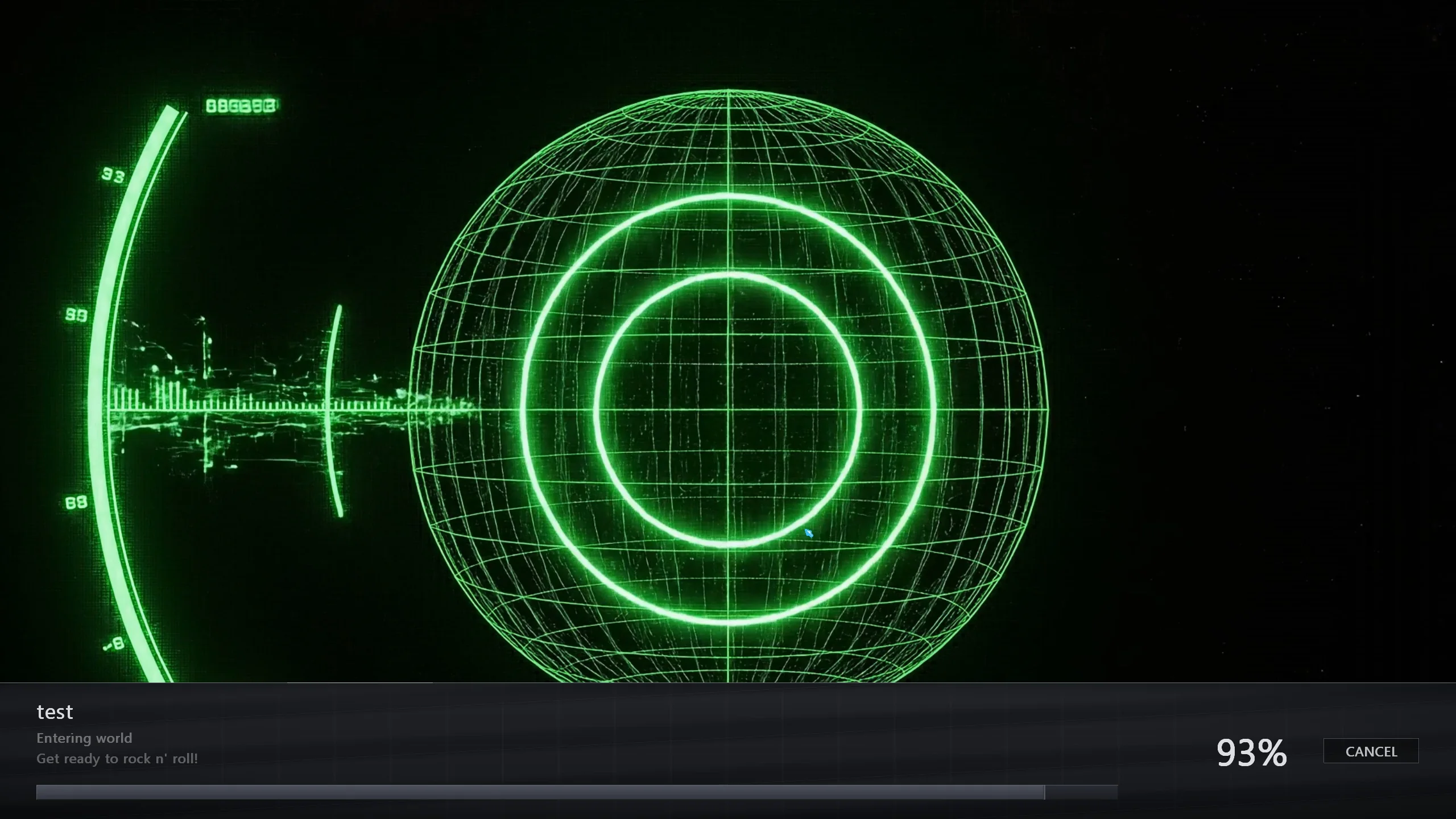
An animated title sequence with music, and loading screens built from your mod's own art. The progress bar learns how long each server and map really takes, so it reports honest numbers instead of parking at 90%.
A button on your Player Setup profile opens a full-page studio where you pick your armor model, skin and weapons and watch them live: fire every weapon, switch tracers, explosions, terrain and sky, and compare in first and third person, all without joining a server. Choices carry into normal play, and you can save them as Looks and swap between them. With Tribes 2 models installed, the studio lets you choose Tribes 1 or Tribes 2 models per armor and per weapon.
Scale it, zoom it and put it where you want it. The 1998 minimap was a fixed box sized for a 640×480 monitor; this one is yours to place.
Capture a match to a demo file and play it back afterwards. Recording shows an on-screen indicator the whole time, so a session is never being logged without you knowing.
Passwords are masked everywhere they appear — server logins and RPG fields alike — with an eye icon to reveal them when you actually need to.
Around 9,000 lines of native AI in place of the 1998 bot scripts. Bots hold assigned roles on a team and get reassigned as the match turns, route over real terrain graphs, ski, jet, dodge incoming fire and pick weapons by range — and every role runs at its own skill level, so you are not facing twelve identical veterans.
A whole new application that ships with the client. Pick a mod, a map and a name, press Start, and watch live player counts, uptime and console output. It opens your firewall and forwards your router port in one click each, keeps the server alive through crashes — and stops to show you the log when a crash is real.
If something does go wrong, the report names the exact script and function that was running — so a bug you hit once can actually be found and fixed.
A true headless server runs without a window or a GPU, so you can host on a spare box or a VPS and leave it up for months. On Linux it installs with one wget and updates itself.
Hardening and 1:1 parity work against the original 1998 client — memory-safety defects, crash exploits and behaviour gaps that shipped in the retail binaries and were never fixed in them.
Always-on background auditing of every allocation, catching the memory corruption and crash exploits the retail binary shipped with.
Interior collision set aside a fixed 400 clip nodes and never checked the count; a complex building could outgrow it and leave dangling pointers — a defect in both the 1998 client and 1.40. The rebuild reserves the building's true maximum.
Hardened event unpackers against buffer overflow vulnerabilities in player names, team names, and voice selection buffers.
The 1998 client and 1.40 both give up after 3 collision retries in one physics step, so skiing over complex terrain could dead-stop you. The rebuild adopts the TribesXT community fix and allows 8, so downhill runs stay fluid.
The retail binary sized its texture budget against hardcoded 1998 numbers and could only address 2 GB. The rebuild asks your GPU what it can actually hold, and is large-address-aware for twice the working space.
Behaviour checked against the disassembled retail client, so the rebuild matches the original 1:1 — and then goes beyond it.
Engineered to run silky smooth on older laptops and deliver unlocked 240Hz raytracing performance on modern gaming rigs.
c0413c5108c8616c662ece6a43f6fd038fa83ac8b60e3a541df4c829ddd28b35
No desktop, no game client, no access key: a dedicated server that installs from the command line (about 4 GB), restarts itself if it crashes and updates when nobody is playing. Tested on Ubuntu 22.04. Paste these into an SSH session:
# 1. Wine (64-bit), Python and wget
sudo apt update
sudo apt install -y --no-install-recommends python3 wine wine64 wget ca-certificates

# 2. Download the installer and install the server into ~/tribes
wget -O tribes-server-setup https://raw.githubusercontent.com/jcmolnar/Tribes-Repack/main/tribes-server
python3 tribes-server-setup install ~/tribes

# 3. Name it, give it a random admin password (printed below), list it
#    in the server browser, and start it
cd ~/tribes
./tribes-server config set server.name "My Tribes Server"
PW=$(LC_ALL=C tr -dc 'A-Za-z0-9' </dev/urandom | head -c 12)
./tribes-server config set server.admin_password "$PW" >/dev/null && echo "Admin password: $PW"
./tribes-server config set server.public true
./tribes-server start

# 4. Let players in: shows the address players join and the firewall
#    command for this machine
./tribes-server netcheckOpen UDP ports 28001 and 28003 (voice chat) in your VPS provider’s firewall or security group as well; most providers block them by default, and netcheck cannot see that firewall. Another mod may use another port; netcheck prints the right pair.
To become admin in game, open the console (~) and type SAD("your admin password");. ./tribes-server tui opens the control screen, and ./tribes-server update keeps the server current. Mods, bots, running it as a service and the rest are in the Linux server guide.